

Top 5 AI email response generators
Is responding to emails the bane of your existence? You’re not alone. The process can be repetitive, mundane, and time-consuming. However, in most business settings, email is still a primary form of communication. For now, you’re stuck with it.
AI email response generators present a solution to the email problem. These tools automate the process of writing email replies, making the task easier and faster. Many email response automation tools are also context aware and integrate with your workflows, making them ideal for busy sales and customer support teams across industries.
With several AI email tools on the market, how do you know which one will work best for you? In this article, we share the five best AI email response generators of 2026, noting their ideal use cases, features, benefits, limitations, and pricing. By the end, you’ll have a good idea of which tool you want to explore first.
Before we get into the list, however, let’s look at how AI email response generators work. Understanding this can help you make the best choice.
How AI email response generators work
Here’s an overview of how these AI tools work:
- Trigger: An action triggers the tool. In this case, the action is the arrival of an email that needs a response. Some tools require you to begin the process manually, such as by pasting the incoming email into the tool. Others automatically begin the process as they are integrated into the email platform you use.
- Analysis: The AI email assistant reviews the email using natural language processing to understand its meaning, intent, and tone. This part of the process is key; without a full understanding of the email and your goal for the response, the tool will not be able to generate a relevant and accurate reply.
- Draft: Some tools require a human prompt to begin generating a draft, while others do so automatically. To generate a draft that accurately matches the context of the email, the tool uses large language models, company FAQs, knowledge base articles, and sometimes learned behavior. Some tools consider previous conversation history, while others look at your goal for your response. The more context the AI email generator is given, the better its output will be, regardless of the tool.
- Review: Most AI email response generators have a human-in-the-loop review, which enables you to read and edit the response or confirm that the AI-generated reply is good to send. Some tools can also rewrite the email response based on additional prompts until it better meets your needs.
- Send: Some tools require a human to take action to send the email response, while others can send preapproved responses automatically.
The key differentiator between a basic AI email tool and an advanced one is the level of context it uses when generating a reply. The best AI tools not only use the incoming email to generate a response but also consider your response history and conversation history, voice and tone, and company information.
Some advanced AI tools give you an opportunity to provide additional information, such as the goals you want the email response to achieve. These details enable the tool to create relevant responses that align with the voice and tone the situation requires. The more context the tool has, the more accurate and relevant its response will be.
5 best AI email response generators to try in 2026
Here’s an overview of the top five AI email response generators, followed by a more detailed look at each tool.
| Tool | Ideal use case | Main strength | Biggest limitation | Pricing |
|---|---|---|---|---|
 Jotform AI Email Response Generator |
Individuals and teams that want lots of customization options |
Simple user interface for selecting language, tone, mood, and length |
Has a character limit of 1,000 for the incoming email |
|
 Gemini |
Gmail users looking for an AI tool that is deeply integrated with Google apps |
Fully context aware, with the ability to access your email thread history |
Generated content can feel overly polished and generic at times |
|
 Superhuman |
Heavy users who rely on email communication for collaborating |
Great for automatically triaging emails for action |
Not available as part of Superhuman’s free plan |
|
 Grammarly |
Individual users looking for a quick and polished email or reply |
Considers the audience of your email when generating content |
Is not contextually aware and relies heavily on the prompt the user provides |
|
 Jasper |
Individuals and teams in marketing and sales departments |
Can repurpose existing organizational content such as blogs and white papers |
Relatively costly compared with other AI email generator tools available |
|
1. Jotform AI Email Response Generator
Best for: Individuals and teams that want a high degree of customization for language, tone, mood, and length
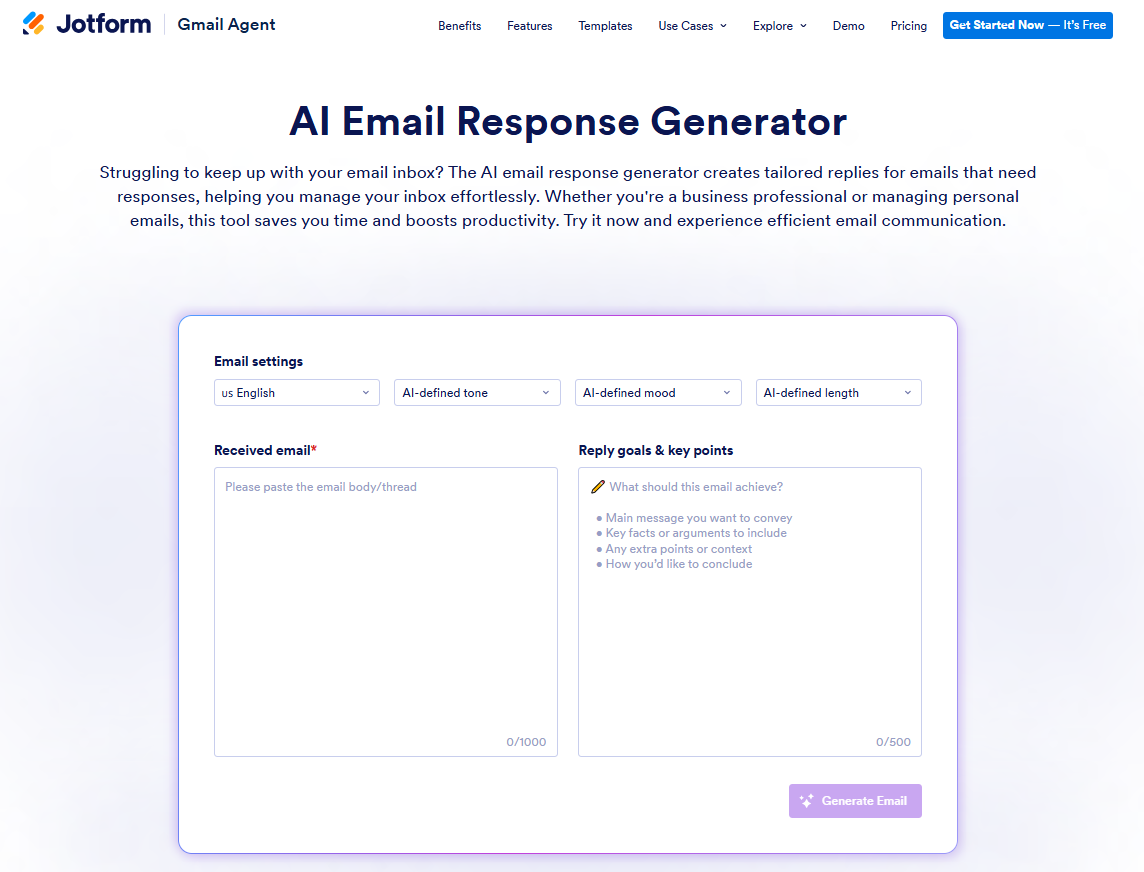
Jotform AI Email Response Generator is a productivity booster for individuals and teams that need to speed up the management of their inbox. Using the tool is simple: Configure your email response settings, input the incoming email, and define the response goals. The tool takes care of the rest, and you can copy and paste the response into your email platform.
Pro Tip
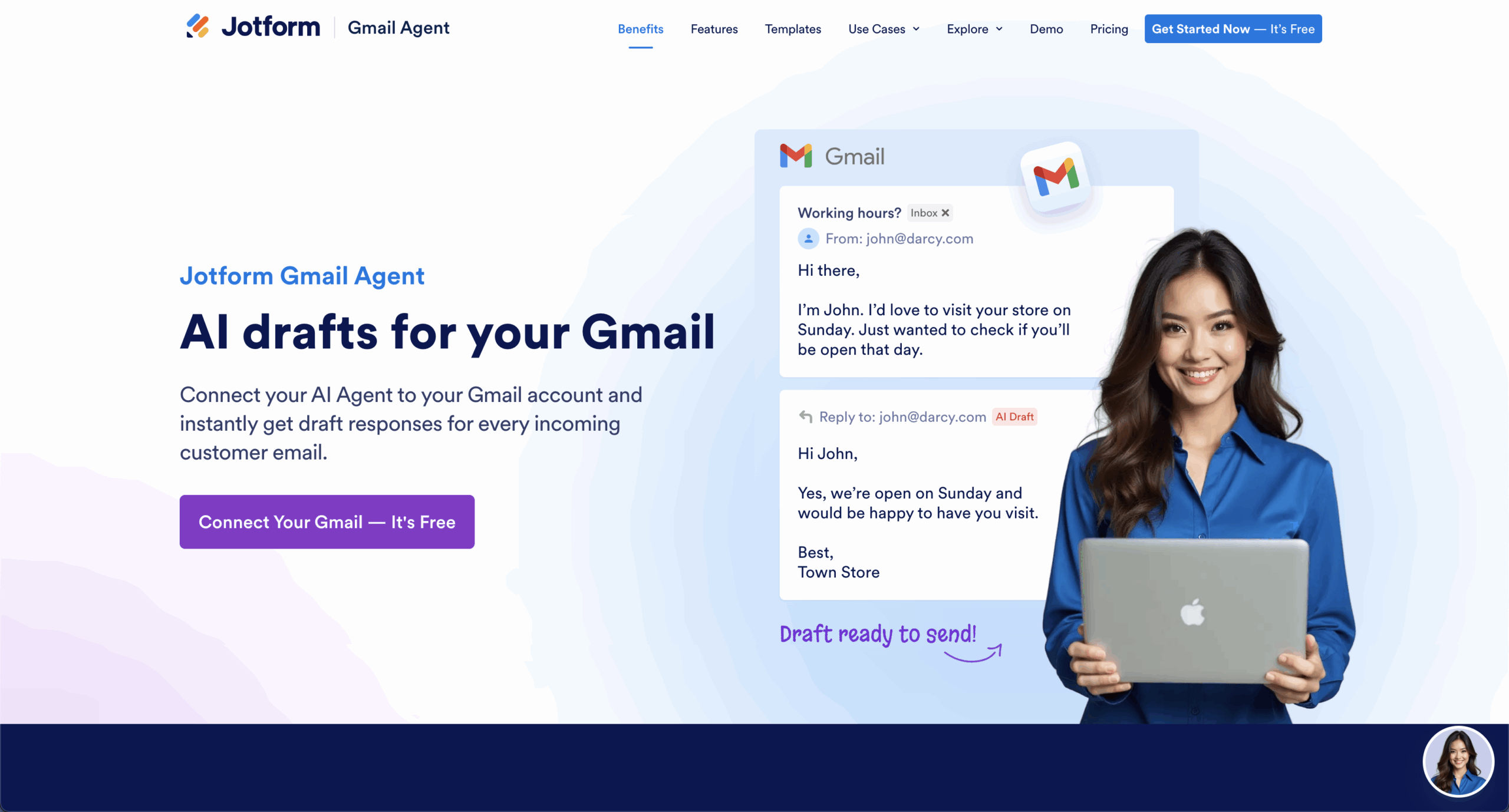
If you’re looking for an AI agent that’s contextually aware and drafts on-brand replies instantly in Gmail, check out the Jotform Gmail Agent. This tool uses AI to train on past conversations and tone, so every customer email is personal and consistent. It’s one of the leading Gmail AI tools available, and it’s free to use.
- Key features
- Ability to input response goals to generate a more accurate and contextually relevant reply
- Customization capabilities for language, tone, mood, and email length
- Available in dozens of languages, including English, Arabic, French, Spanish, and simplified Chinese
- Pros
- Simple, intuitive user interface
- AI-generated responses in seconds, boosting productivity
- Part of a larger ecosystem of hundreds AI tools and AI agents from Jotform, such as Jotform Gmail Agent
- Universal email productivity tool that does not need to be integrated with a specific email platform
- Appropriate for individuals and teams in a wide range of industries
- Cons
- Character limit of 1,000 for the incoming email, which could be an issue for those who regularly receive lengthy emails
- No learning from past user behavior or conversation history in the traditional sense; however, lets you add additional context by inputting the goals you want the response to achieve and key points to include, resulting in a detailed and relevant email reply
- Pricing
- The Jotform AI Email Response Generator is free to use. Jotform offers multiple paid plans starting at $34 per user, per month, which unlock access to additional Jotform AI Agents, AI conversations, and advanced features.
Build faster with Jotform AIDescribe what you need, and let Jotform AI build it for you instantly.
Get Started Now
2. Gemini
Best for: Gmail users looking for an AI tool that is deeply integrated with Google apps
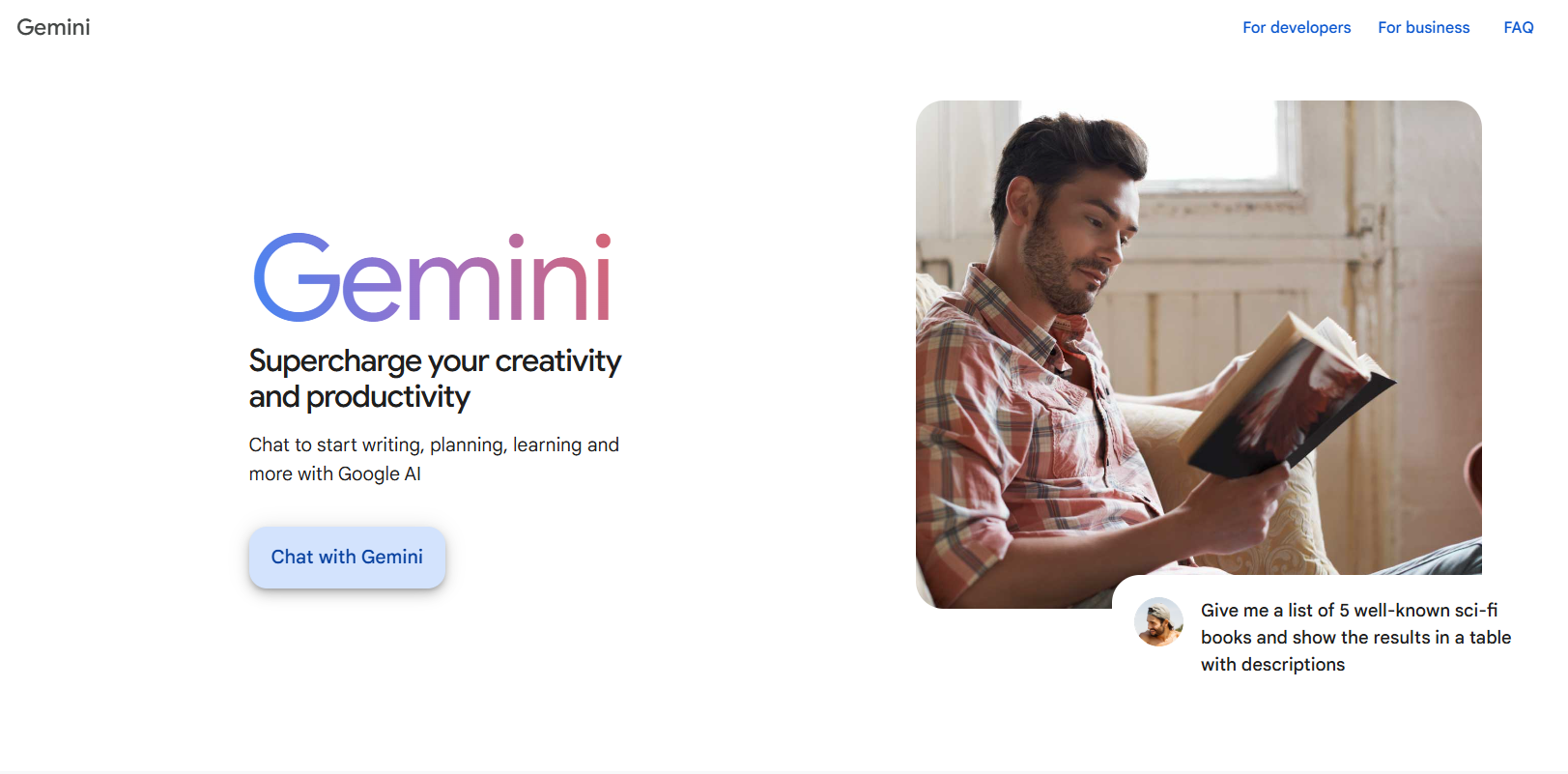
Part of the Google ecosystem, Gemini is one of the leading AI tools for Gmail thanks to its seamless integration with the email platform and other Google apps such as Google Docs and Google Sheets.
- Key features
- Strong Google-native design, making it easy to use and learn for those who work frequently in Google Workspace
- Summaries of long email threads that highlight key details
- Tools including Help Me Write, which can draft new emails in addition to replies, and Inbox Q&A, which can help find key details in emails
- Pros
- Fully context aware, with the ability to access your email history
- Particularly helpful if you have long project discussions or many back-and-forth email conversations with clients
- Ability to pull specific context from emails, such as comments about pricing
- Cons
- Overly polished and generic feel, lacking strong brand voice control
- Need for a thorough prompt to avoid templated, vague results
- Pricing
- Google Gemini is free for individuals and teams with a Google account. For access to advanced Gemini and AI features and additional usage credits, you can purchase a paid Google AI plan starting at $7.99 per month.
3. Superhuman
Best for: Heavy users who rely on email communication for collaborating
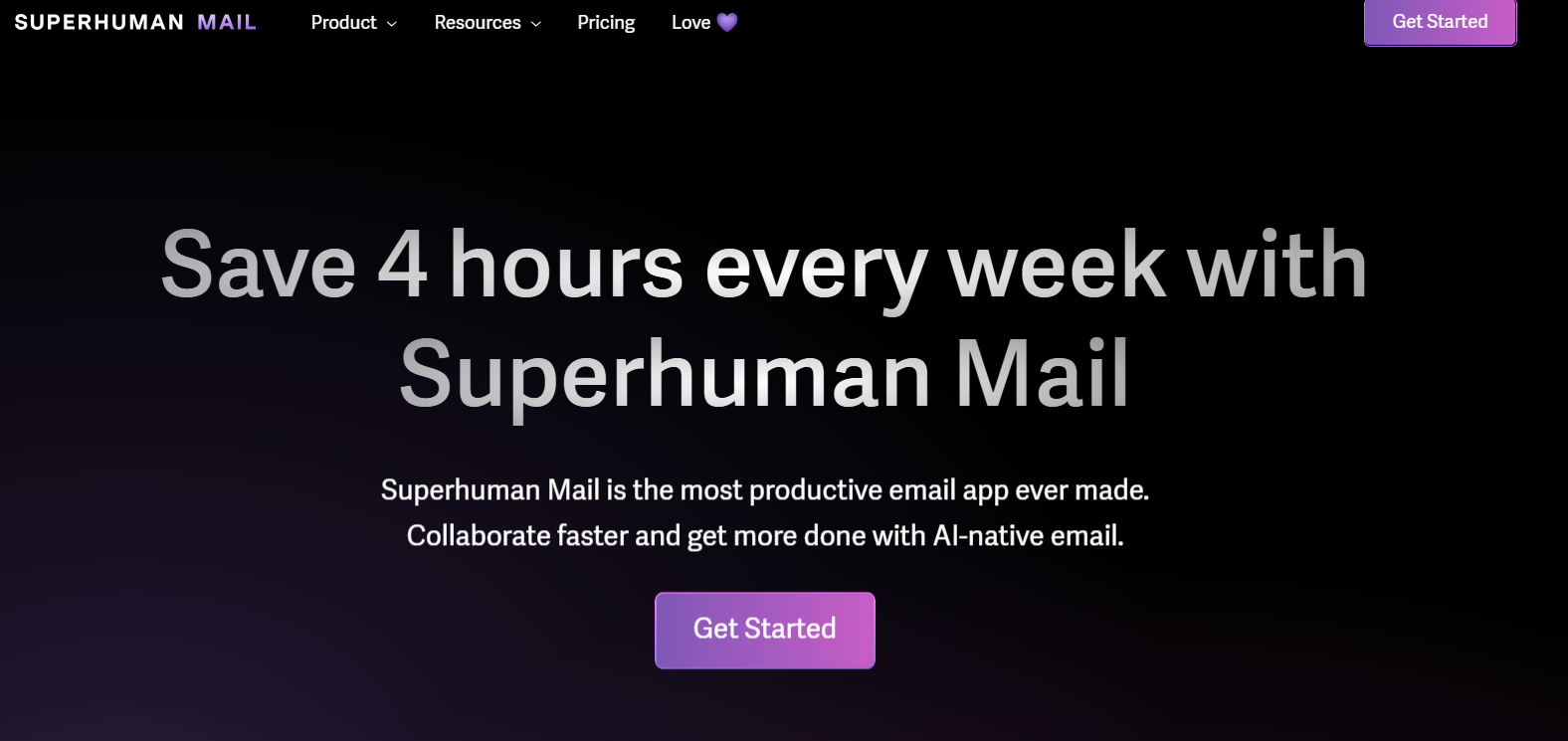
Superhuman is an AI tool with a Mail product specifically for Gmail and Outlook users. It claims to save users four hours per week on email, boosting productivity with professional, credible, and relevant emails.
- Key features
- Automatic triage for incoming emails so important ones don’t fall through the cracks
- Ability to set up custom follow-up reminders for each email to keep key workflows moving
- Live view sharing of an email with the team, enabling them to provide input on the draft
- Pros
- Snippets feature, which enables you to insert frequently used phrases or sentences into emails to save time
- Great for collaboration because you can enable team members to comment on emails
- Autocorrect tool that increases user typing speed by 30–50 percent, a bonus for slow typers or those who make a lot of mistakes
- Cons
- No mail product available as part of free plan, making it inaccessible to individuals and teams on a tight budget
- Integration with only Gmail or Outlook
- Pricing
- Superhuman offers a free plan; however, the Mail product is available only in the paid plans starting at $30 per user, per month for individuals and teams. Additional paid plans unlock access to advanced AI tools.
4. Grammarly
Best for: Individual users looking for a quick, polished email or reply
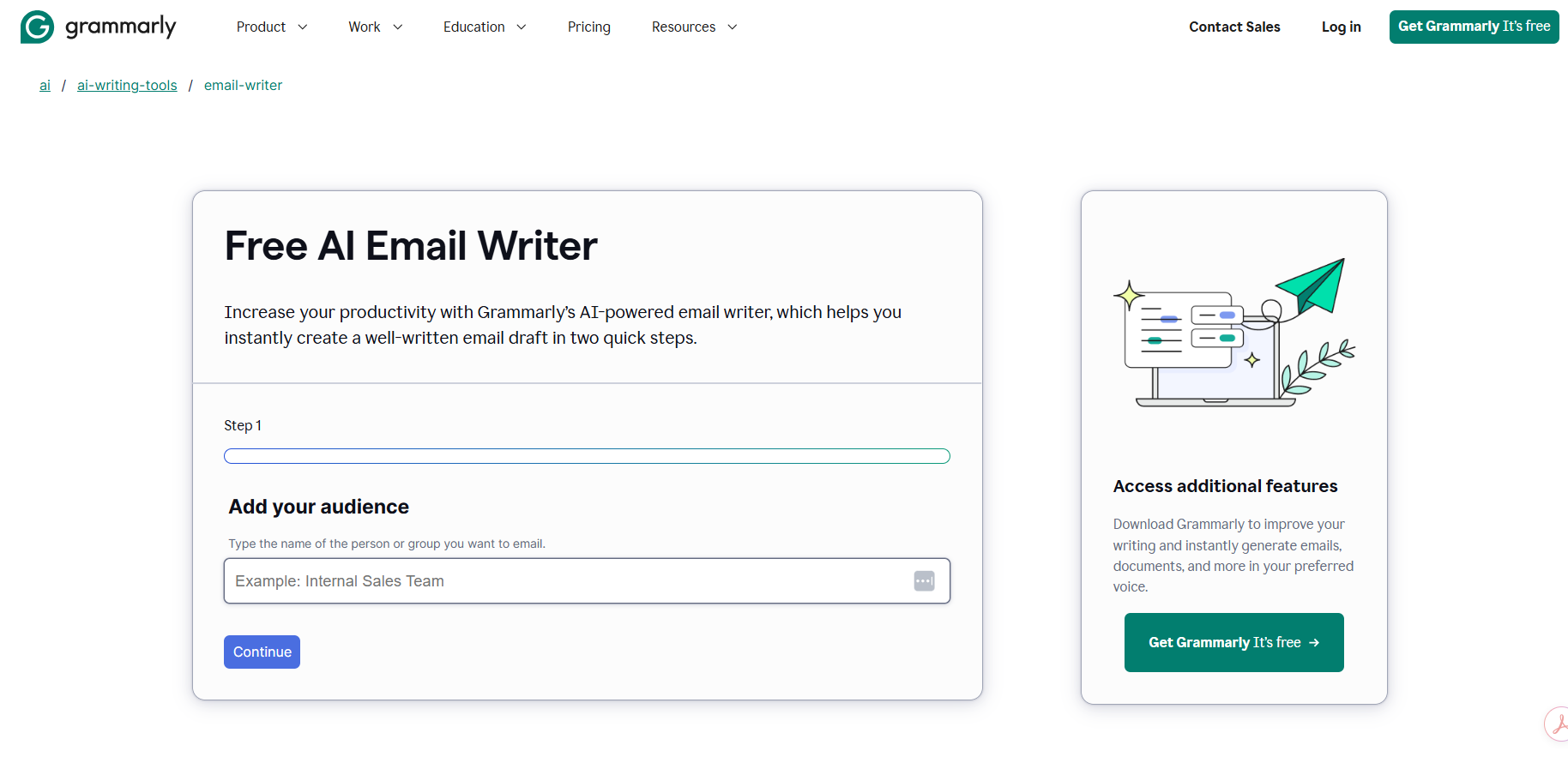
Grammarly offers an AI email writer tool that generates highly polished emails in two steps. All you have to do is provide the audience and a prompt, and the AI email reply generator does the work for you.
- Key features
- Consideration of the audience when generating content, such as an internal sales team or loyal client
- Need for an open-ended prompt to generate the email, so you can add details about context, tone, and length
- Subject line, unlike AI email generators that provide body copy only
- Pros
- Basic, intuitive user interface
- Heavily reliant on your prompt
- Ability to rewrite or polish email drafts
- Cons
- Contextually unaware and uses only the inputted information
- Lack of integration with an email platform
- Pricing
- Grammarly’s AI email writer tool is free to use. Grammarly offers a paid plan with additional features starting at $12 per month, with a free seven-day trial.
5. Jasper
Best for: Individuals and teams in marketing and sales who need support generating promotional communication
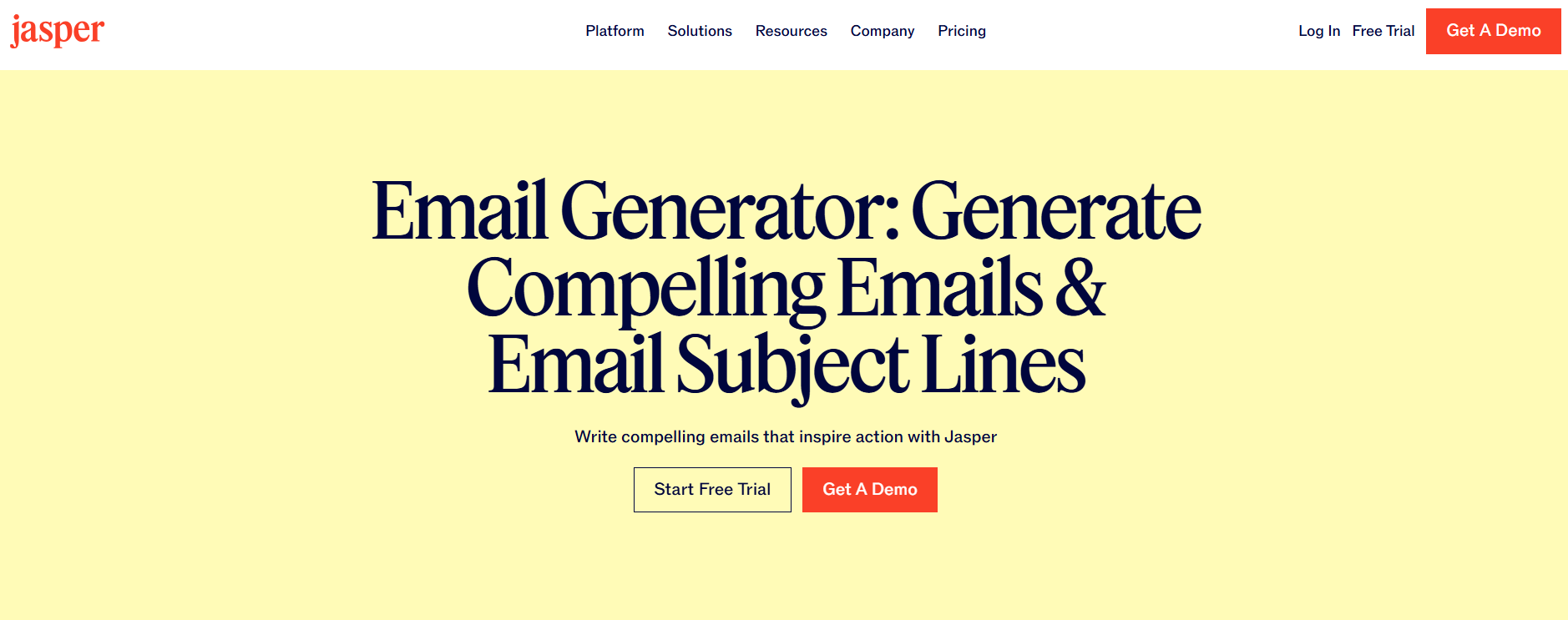
Going beyond generating automated email responses, Jasper’s AI email tool also generates newsletters and promotional emails for marketing and sales teams.
- Key features
- Tone selection, which enables you to tailor content for a range of audiences and use cases
- Ability to repurpose existing organizational content, such as blogs and white papers, into emails and newsletters
- Creation of content in over 25 languages, including English, Spanish, Japanese, and Chinese
- Pros
- Ability to adjust tone and writing style to match the target audience, a major plus for marketing teams, ensuring brand consistency
- Engaging subject lines to increase email open rates
- Ability to create newsletters, promotional emails, and other collateral
- Cons
- Requirement of uploading company, audience, and product information to create a knowledge base, which can be time-consuming
- Relatively costly compared with other AI email generator tools and does not come with a free plan
- Pricing
- Jasper’s email generator offers a five-day free trial; after that, you have to purchase one of its paid plans, which start at $69 per user, per month. This plan includes access to other Jasper tools beyond the email generator.
The future of AI email assistants
Whether you’re an individual searching for occasional help generating email responses or part of a team that needs a reliable, everyday tool, you have plenty of options. (Attention, small businesses: If you need help with even more email-related tasks, look at our list of the top email marketing automation tools.)
AI email generators are quickly evolving beyond draft generation and heading toward fully automated inbox management. All AI email generators promise to increase your productivity and save time when you’re writing email content. Many also save you time with other types of email workflows.
For example, Jotform’s AI Email Response Generator is a great tool for individuals and teams that want to generate customized responses to emails with ease. However, the tool is also part of a larger ecosystem of AI tools, such as the Jotform Gmail Agent, which connects to your Gmail account to instantly draft responses to every incoming email, and the AI Email Marketing Generator, which generates compelling newsletters, promotional campaigns, and automated sequences.
Ultimately, the best AI email response generator for your needs depends on the types of emails you need to create, where your email work actually happens, and what types of email workflows you need to enhance. You have many choices, so explore each of the tools on this list. Many come with free plans or free trials, so there’s nothing standing in your way.
This article is for business professionals, customer support teams, sales reps, and operations managers who handle high email volumes and want to reduce repetitive writing with AI tools.



































































































Send Comment: