

Top AI chatbots for businesses
You’re probably already using AI to speed up your work. In fact, a study by OpenAI and Stanford found that 43 percent of U.S. knowledge workers use AI, and Anthropic reported that 32 percent of people believe AI makes them more productive.
Now imagine bringing that same efficiency to your customer experience. A customer-facing chatbot can generate leads, answer questions, and store customer data — freeing your team up for more personal work.
Here are 10 of the best business AI chatbots to help you work smarter and serve your customers better.
What are AI chatbots?
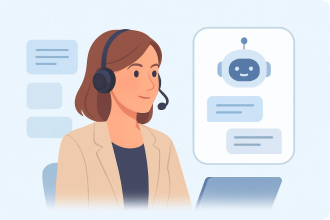
AI chatbots for business are customer-facing chat tools that can answer common questions and accomplish common support tasks automatically.
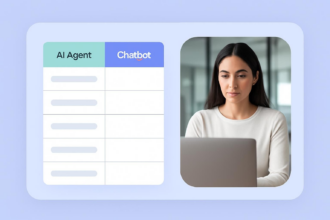
All AI chatbots should be able to answer these frequently asked support questions on their own. Newer, autonomous AI agents built into AI chatbots pair standard chat responses with business knowledge and automated workflows to perform work on your behalf and help run business operations. They can look up order details, share product listings or support documentation, and fill out forms based on responses shared in-chat. And they can perform AI orchestration to coordinate and automate tasks across your business software.
“Without AI, I am the robot — copy-pasting, burned out, no empathy left by 4 p.m.,” a software engineer told Claude’s team. “With AI handling the robotic work, I get to be human again.”
Whether in giving customers the answers they need without having to loop in a support agent or in accelerating the sales process with agentic checkout and data gathering, chatbots designed for AI business process automation are increasingly the first interaction point people have with your business.
Know the difference: The active vs passive AI framework
The first chatbots were basic, Siri-style — telling us the time, setting timers, and transferring us to the operator. Then came AI chatbots like ChatGPT and Claude, with human-like answers to almost any question. Today’s agentic chatbots increasingly accomplish work on their own, collecting data, filling out forms, running automations, and writing code. “Usage has evolved from simple Q&A to coding, data analysis, and a range of agentic workflows,” as OpenAI’s report shared.
This is where the difference between passive and active AI starts to be felt:
- Passive AI is AI that answers questions based on a knowledge base of training data, documentation, and website copy, much like traditional support chatbots. They save teams time by answering questions on their behalf.
- Active AI is AI that performs tasks based on requests. Conversational AI agents can take action with structured data such as looking up live information, using chat responses to fill out forms and generate leads and tickets, and canceling or refunding orders. They increase business productivity by starting the work process on their own.
Active AI chatbots are closer to what ChatGPT, Gemini, and other personal AI chat apps offer today, but with agentic AI trained with skills that are focused on your business needs.
From the more than 30 business AI chat tools that we’ve tested, here are ten of the best to add active AI chat to your website.
Top 10 agentic AI chatbots of 2026 at a glance
| AI chatbot | Primary agentic action | Best for | Starting price |
|---|---|---|---|
 Jotform AI Chatbot |
Gathering structured data |
Filling out a form through conversational chat |
$34 per month |
 Fin by Intercom |
Support ticket resolution |
Resolving customer support tickets through pre-set instructions |
$0.99 per resolved ticket ($49.50 per month minimum) |
 Drift |
Automated follow-up |
Proactively starting conversations with qualified buyers |
Requires sales call |
 Tidio Lyro |
Order management |
Looking up order info to handle support and upsell |
$24.17 per month |
 Zapier Chatbots |
Syncing data |
Building detailed, app-centric automations from chat data |
$13.33 per month |
 Manychat |
Social selling |
Holding conversations in social media comments and chat |
$14 per month |
 Zendesk AI |
Automated support training |
Managing support across multiple brands |
$55 per month per user |
 Dialora |
AI-powered phone calls |
Answering questions and confirming data with customers in calls |
$39 per month |
 Hyperleap AI |
Verified data collection |
Collecting data from every chat conversation |
$33 per month |
 Noupe AI Chatbot |
Automatic learning |
Quickly adding chat support to your site |
$8 per month |
1. Jotform AI Chatbot: Best for collecting data from chat conversations
Jotform AI Chatbot makes it easy to get started with agentic AI chat, with a chatbot builder that can be as straightforward or advanced as you’d like.
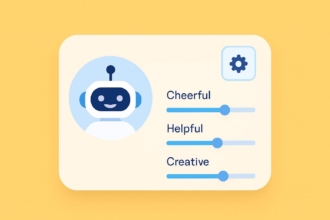
It starts out simple. Tell Jotform’s AI what type of chatbot you’d like to build and what you’d like it to do for your business, or use one of the pre-written prompts. Customize its settings, complete with options to dial in the AI’s chattiness and customize its tone of voice. Then train the bot with links to your website, PDF documents, FAQs, and general knowledge about topics that customers may ask.
Jotform then lets you integrate forms. Your chat can gather structured data from answers and use it to fill out forms and place orders with built-in payment processing integrations. Or it can pair with Jotform AI Agents to add leads to Salesforce, share Shopify product listings, and more. You can also integrate your AI Chatbot for WordPress, Canva, Facebook, and other tools or platforms, or enable voice mode to let your bot take calls and talk with customers on its own.
- Best for: Teams using AI chat to capture leads, support customers, and run automated workflows from voice or text chat
- Pros
- Build a customized chatbot from a prompt
- Integrate with forms to fill structured data and accept payments
- Chat on your site, in popular apps, on a standalone page, or via voice and phone calls
- Cons
- No way to loop a human in during the chat conversation, no targeting options to pop up based on criteria
- Plans/pricing
- Free for five chatbots and 100 monthly conversations plus five forms and 100 monthly submissions
- Paid plans start from $39 per month (or $34 per month with an annual plan) for 25 chatbots, 1,000 monthly conversations, and 25 forms with 1,000 monthly submissions
2. Fin by Intercom: Best for automated customer support
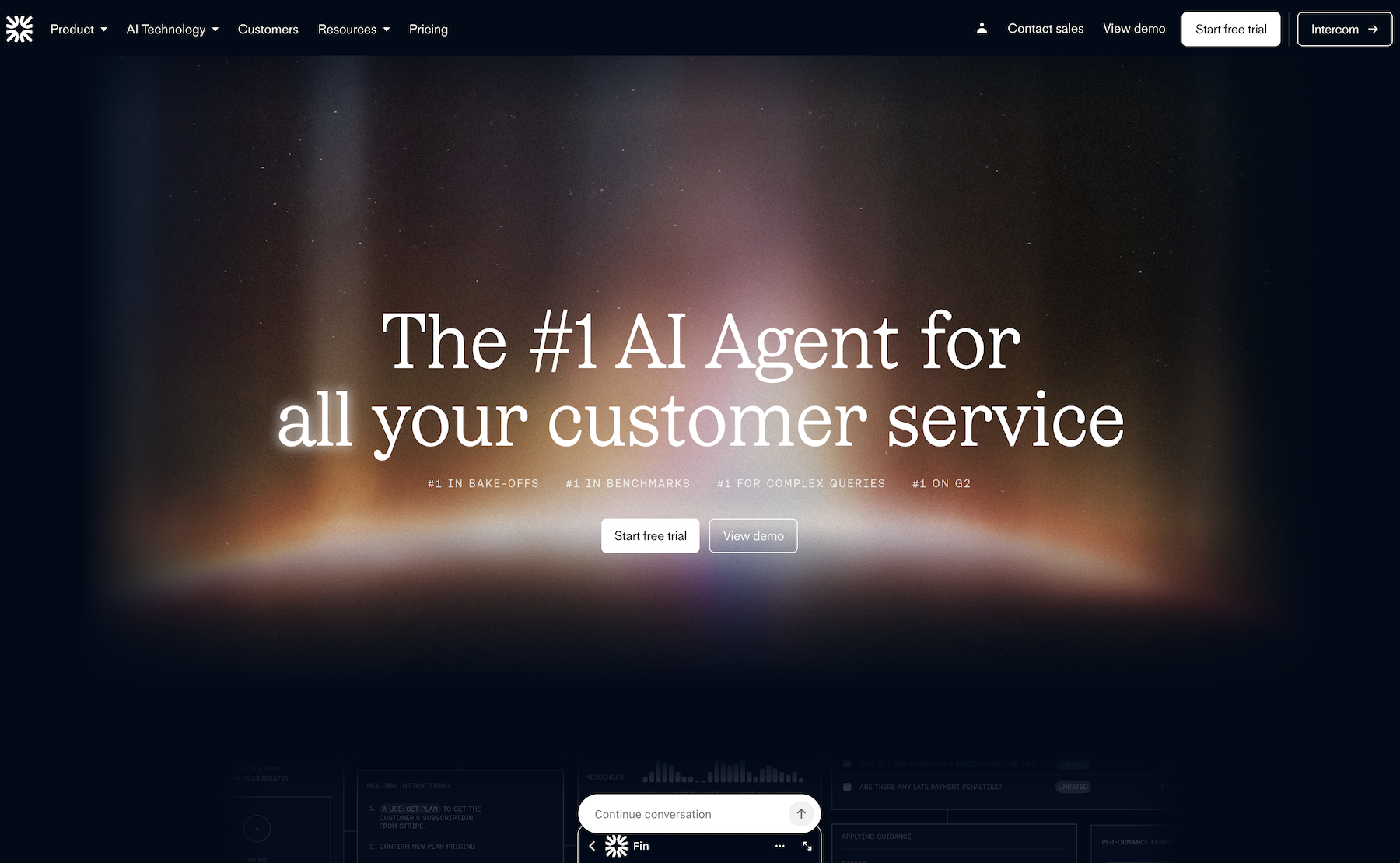
Fin by Intercom is an agentic AI chatbot built specifically for customer support. You can train it on your website’s details and link it to Intercom, Zendesk, Salesforce, and other help desks for access to documentation and existing tickets. Or you can manually train the bot with specific step-by-step instructions on how your company resolves standard support cases.
For typical tickets, that might require simply sharing how to use your product or your company’s policies. For more complex tickets, Fin’s integrations and MCP connections can fetch order info from Shopify, access payment and plan details from Stripe, view membership data from Salesforce, and more to pair general information with that customer’s specific details for more accurate answers.
Fin works in chat — including social media direct messages — as well as over email and phone support to meet customers where they are. And its Fin AI engine is trained specifically for customer support to be more likely to resolve tickets on its own, but with tools to hand off conversations to your team for trickier situations.
- Best for: Customer support teams who want AI agents to fully handle customer support issues
- Pros
- AI models trained specifically for customer support
- Human handoff to resolve more complex issues
- Tools to train AI on specific resolution steps
- Cons
- Limited to customer support chat
- Pricing can be expensive for simple customer questions
- Plans/pricing
- $0.99 per outcome, including resolutions and handoff to a human agent (minimum of 50 outcomes per month)
- Additional $29 per month per Intercom Helpdesk seat for full customer support software
3. Drift: Best for B2B conversational sales
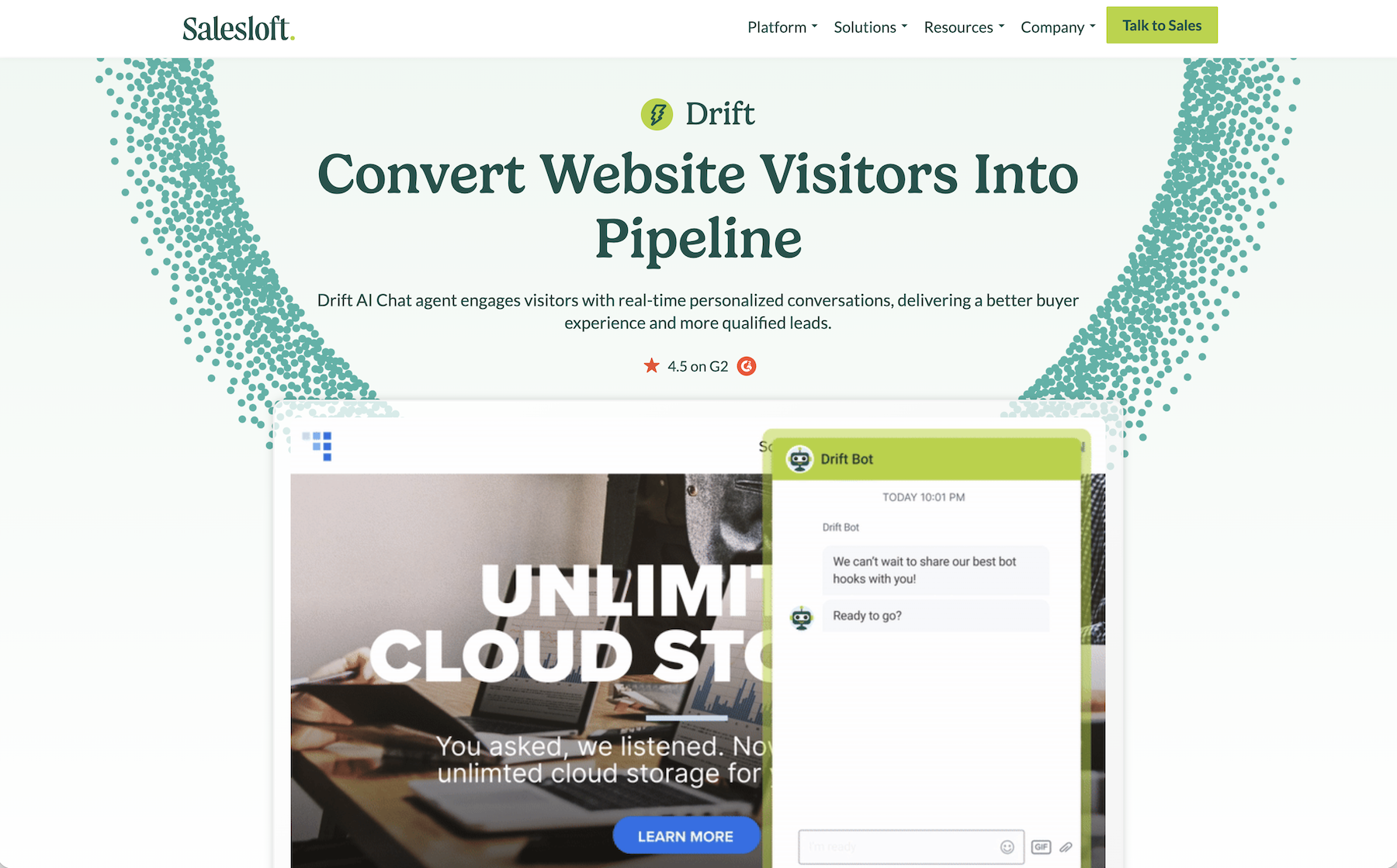
Drift is an AI chatbot that carries out agentic research on the people it’s chatting with. The bot can ask for their email address, giving it their domain, company, and location, along with more detailed info if their company is already in your customer relationship management (CRM) platform. It pairs that with their activity on your website, including the content they’ve viewed, to share data that’s more likely to turn them from a prospect into a lead and then into a buyer.
After the initial chat conversation, Drift can hand off the conversation to Salesloft Rhythm’s automated workflows for agentic follow-up. It can send emails to keep your company top of mind, remind your team to reach out, and build your sales team’s agenda to make the most of their time — something that’s built-in here, rather than part of a separate automation tool in many other chatbots. And it can pop up when that lead comes back to your site, to restart the conversation. It’s a chatbot that takes agentic AI beyond the initial conversation and turns it into a part of your sales function.
- Best for: Sales teams using CRM data to chat with prospects and turn them into leads
- Pros
- Automatically enrich leads to uncover high-intent buyers
- Build custom follow-up workflows to drive sales with agents
- Get reports on your chatbot’s ROI
- Cons
- Requires a Salesloft subscription
- No self-led free trial
- Pricing requires a sales call
- Plans/pricing
- Pricing requires a sales call, but is reported by G2 to start at $2,500 per month
4. Tidio Lyro: Best for e-commerce and Shopify agentic chat
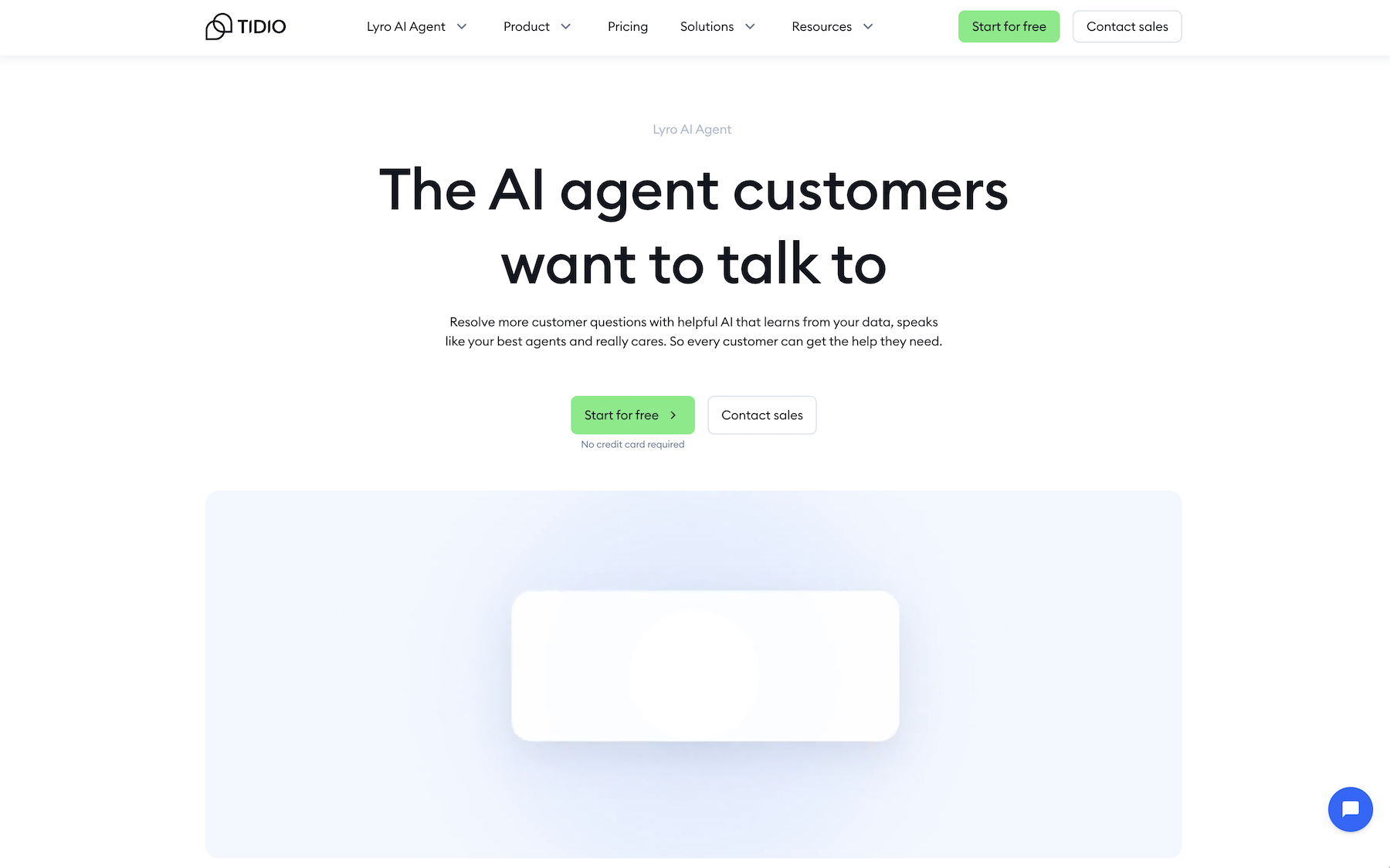
Tidio Lyro is agentic chat built for e-commerce. It works with Shopify, BigCommerce, Ecwid, WooCommerce, Adobe Commerce, and more to answer questions based on your product listings, recommend products, and recover carts by starting conversations with repeat visitors. Those same integrations also let it check order status and see if products are in stock before replying to customers.
Lyro’s guidance tool stands out, with more customizable voice and tone options than most chatbots. You can tweak how it responds depending on the audience (to, for example, be more casual with retail customers while more formal with B2B wholesale leads).
- Best for: E-commerce teams that want to resolve customer support queries and drive sales from a single chatbot
- Pros
- Automatically look up order info from e-commerce platforms
- Recommend products based on customer questions
- Tone of voice and wording can be customized per audience
- Cons
- Shopify integration and product recommendations require higher-tier plans
- Automated, no-code workflows billed separately
- Plans/pricing
- From $29 per month (or $24.17 per month with an annual plan) for 100 billable conversations and 50 Lyro AI Agent conversations with a Tidio subscription
- From $39 per month (or $32.50 per month with an annual plan) for the Lyro AI Agent standalone with 50 AI conversations a month
5. Zapier Chatbots: Best for automating work in business apps
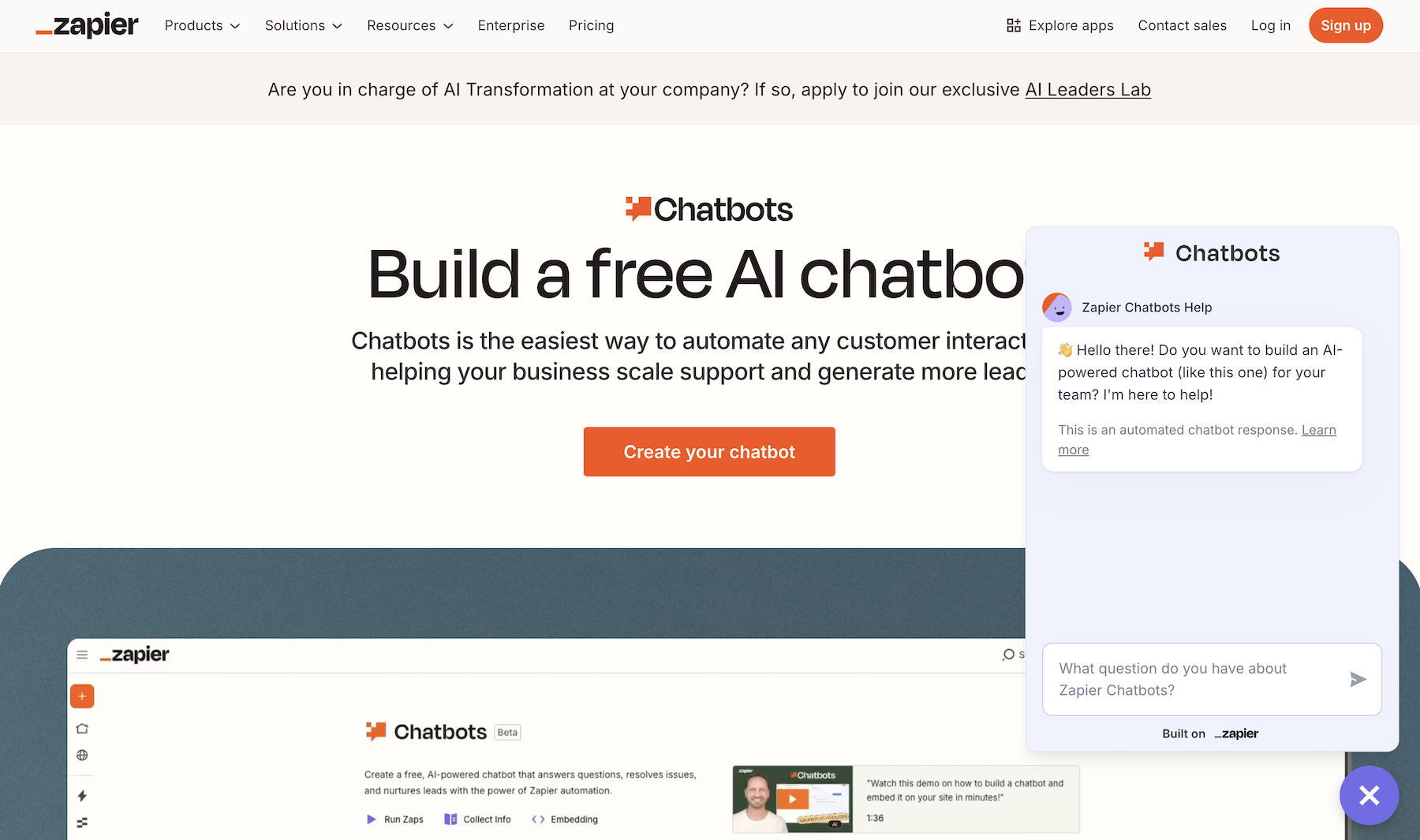
Zapier Chatbots are the chatbot equivalent of a LEGO set. Its defaults are good enough to get started, with a pre-written prompt to guide its OpenAI GPT-powered models to act as a customer support bot. You then train your bot with your website and document uploads or, uniquely, with Google Docs and Notion notes. Customize your theme, copy a link or embed your chatbot, and you’re ready to go.
Alternatively, you can dig in deeper and turn your chatbot into something else entirely. Zapier Chatbots tie into the broader Zapier ecosystem, so they can fetch data from Zapier Tables or run Zapier workflows to kick off detailed tasks that fetch data and add records to your other work apps. That means you can create leads, look up orders, generate documents, notify your team, send emails and SMS messages, and much more with Zapier’s thousands of business software integrations. If you put in a bit more time to customize your chatbot, you can build bots to do just about anything you’d like with Zapier Chatbots.
- Best for: Businesses who want to use chatbots to automate tasks in over 8,000 connected apps
- Pros
- Guide conversations with customizable logic and training
- Import Google Docs and Notion for training data
- Connect chatbots to Zapier workflow automations
- Cons
- Zapier automations require a separate plan
- Advanced chatbots require more setup time
- Plans/pricing
- Free for two chatbots
- $20 per month (or $13.33 per month, paid annually) for five chatbots, 10 sources of knowledge per chatbot, 100,000 table records, and lead collection
- $29.99 per month (or $19.99 per month, paid annually) for automated workflows plus chatbots
6. Manychat: Best for social media sales
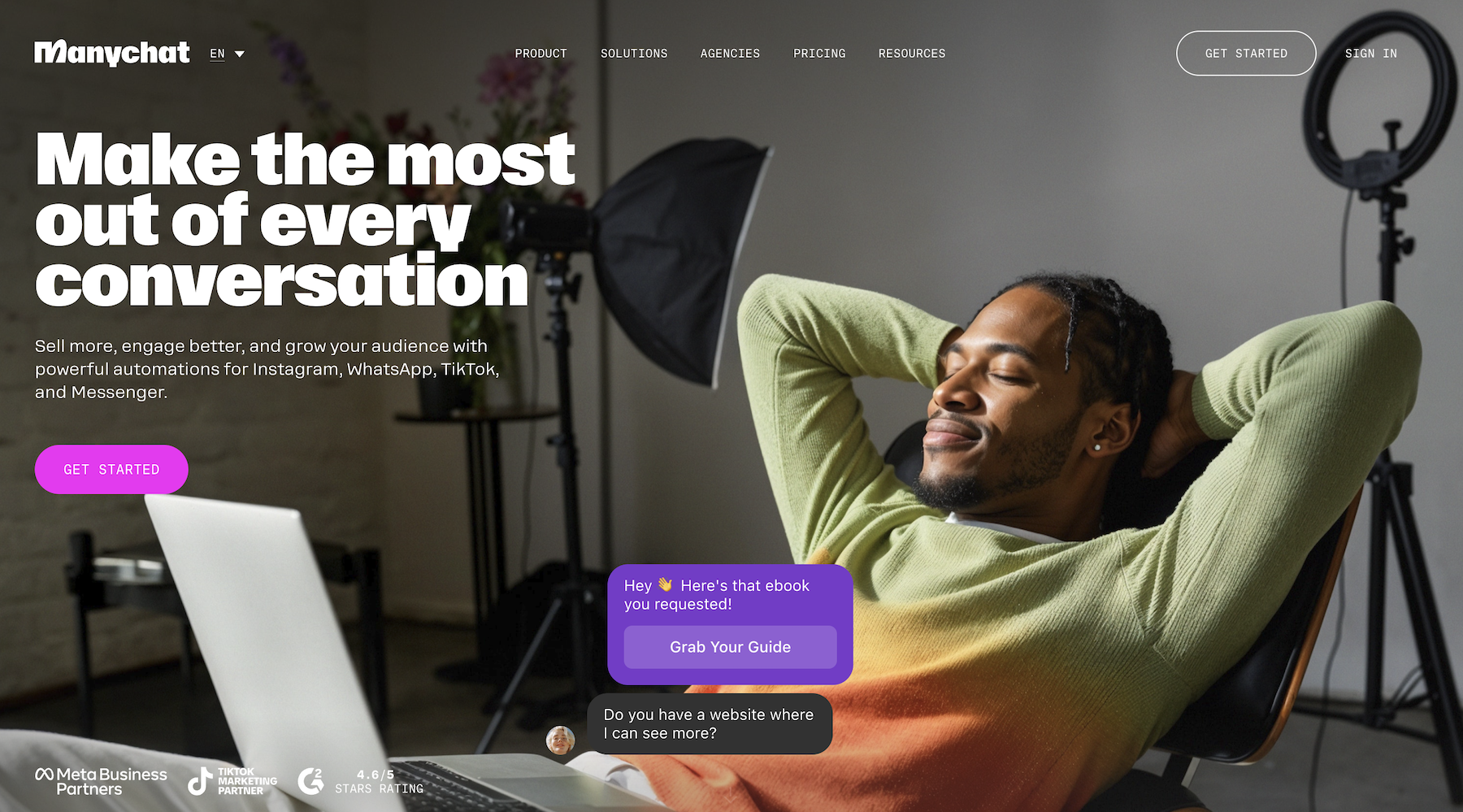
Manychat is a chatbot builder designed around guided conversations on social media. It can watch either your social media comments and automatically reply or watch your DMs and jump into a conversation when respondents mention a specific keyword. That’s when your Manychat automations kick off.
As one of the earlier chatbots that started in the passive AI era, Manychat’s chatbots by default use automations to respond in specific ways to specific prompts. Say you want to have people follow you first and then subscribe to your email newsletter before sharing a PDF document with them. You can teach Manychat each step, either with preset replies written by you or with Manychat AI writing dynamic answers — with a voice and tone based on your prompt and your previous social media replies. It’s more structured and less free-form than other chatbots, but you also have more control over the conversation outcome.
- Best for: Social media teams who want to automate chat on Instagram, WhatsApp, TikTok, Facebook Messenger, Telegram, and more
- Pros
- Build around social media chat
- Require follow before starting chat
- Buy button lets you sell products from Messenger and Instagram chat
- Cons
- Base plan only includes automation-based replies
- All conversations require flows with more scripted outcomes
- Plans/pricing
- Free for chats with 25 active contacts per month
- $17 per month (or $14 per month, paid annually) for chats with 250 active contacts per month
- $39 per month (or $29 per month, paid annually) for Manychat Pro with AI chat replies
7. Zendesk AI Agents: Best for automating enterprise customer support
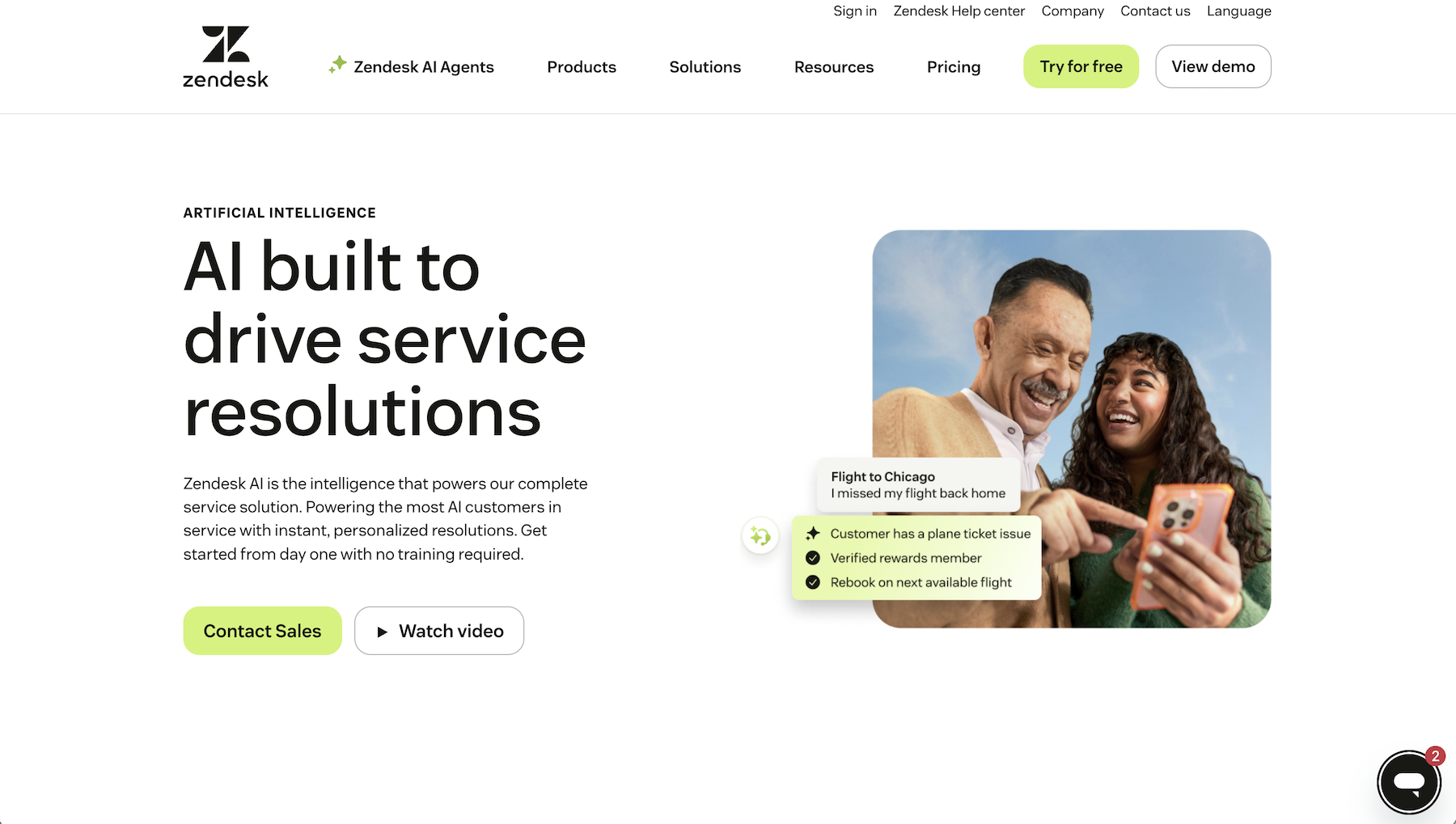
Zendesk AI Agents are designed to work like a new member of your support team. They use your existing documentation and previous support messages to learn how to resolve issues. You can also teach them how to handle trickier cases, with AI orchestrated steps to fetch data and take action — perhaps to cancel an order or escalate to a human agent. And you can put them to work where your customers get in touch the most, via email, social, chat, or voice.
AI Agents come paired with most Zendesk plans, with core AI features built-in and billed per resolution. The larger your team grows and the more tickets you handle, the smarter Zendesk’s AI Agents should get when it comes to resolving common issues. It can also help grow your team’s support globally, with 30 languages included by default and 80 languages supported with the advanced AI upgrade.
- Best for: Support teams who already use Zendesk and want to automatically resolve more of their tickets
- Pros
- Automated chat based on existing email support ticket replies
- Support for multiple brands from a single account
- Review AI chat to score for quality assurance
- Cons
- Requires per-agent pricing, with AI agents only included on Suite Team plans
- Only works with Zendesk support help desk
- Plans/pricing
- From $69 per month (or $55 per month, paid annually) per agent for Zendesk Suite Team with Essential AI agents, plus $2 per resolution
- Advanced AI agents require an additional upgrade and sales call
8. Dialora: Best for building voice-powered chatbots
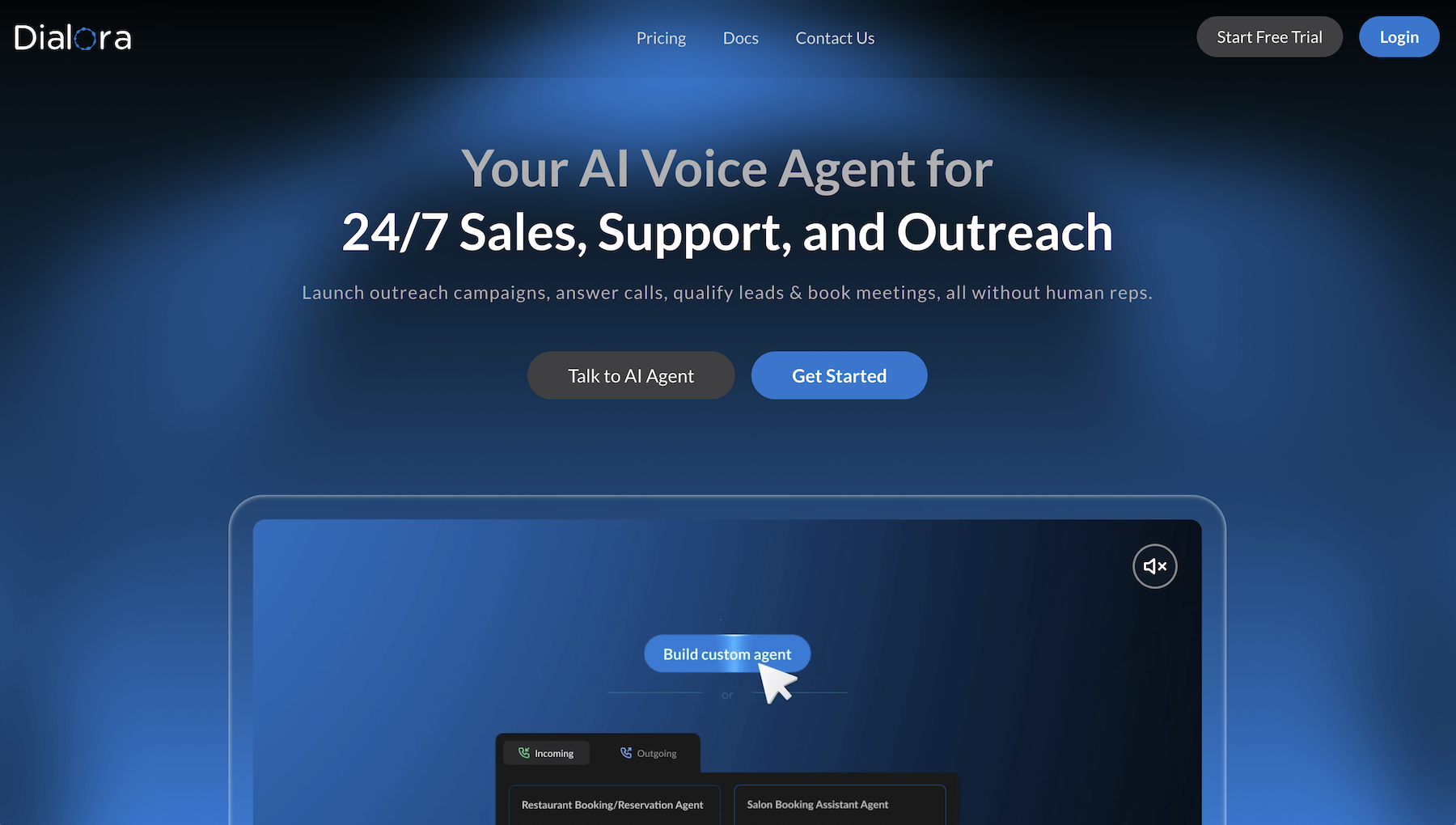
Chatbots aren’t only for text conversations. Dialora is an agentic AI chatbot built entirely around phone calls and voice conversations. It has a library of voices and options to set response length, speaking speed, and other call parameters. And it can both answer phone calls and place calls on its own — whether it’s answering questions, reminding people of appointments, or something else.
Dialora works primarily on integrations. It uses Twilio for phone numbers and calls, and connects with Cal.com and Google Calendar to schedule meetings. It also connects to OpenAI and Groq for AI, Deepgram for customized text to voice, Pipedrive and Zapier for CRM and workflow automation, and more. And it records calls, so you can analyze call sentiment, review transcripts, and automatically extract data to update your CRM. It’s an easy way to let AI answer your company phone, complete with handoff support to transfer calls to your team when needed.
- Best for: Call-driven sales and support teams who need to gather data over phone calls
- Pros
- AI chatbot built specifically for voice calls
- Supports outgoing calls to follow up with customers
- Can transfer calls to humans
- Cons
- No text-based chatbot
- Requires Twilio-based phone number
- Plans/pricing
- From $49 per month (or $39 per month, paid annually) for two AI agents and 200 monthly minutes
9. Hyperleap AI: Best for gathering verified leads from social media
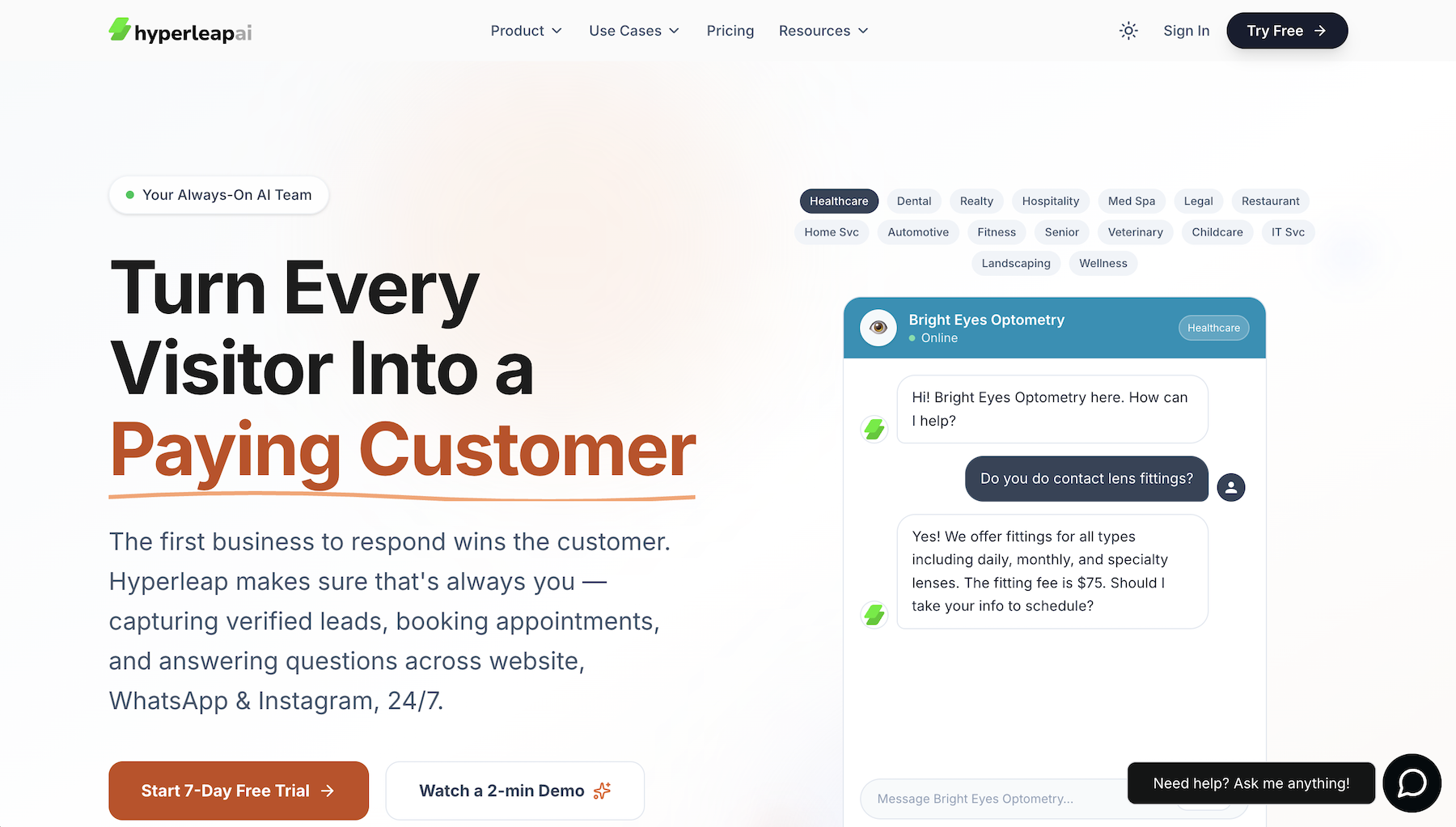
Hyperleap AI ensures you have the data you need to close the sale, right at the beginning of the conversation. Before it starts chatting with visitors, it requires them to fill out your lead form, entering their name, email, phone number, and other details you need.
It can verify the phone number, too — texting contacts a one-time password to ensure they didn’t just enter a random number. That makes it slower to start the conversation, but it can also help extend your budget as only truly interested contacts will make it through.
Your Hyperleap chatbots work across your website, WhatsApp, Instagram, and Facebook to gather data, share info about your business, and help close sales while giving your team the data they need to follow up later.
- Best for: Sales teams that need verified phone numbers from prospects
- Pros
- Request phone numbers in chat and verify with OTP codes
- Share photos, video, and files in chat
- Export all leads in a spreadsheet
- Cons
- No built-in integration with CRMs
- Chats require filling out a form first
- Plans/pricing
- From $40 per month (or $33 per month, paid annually) for one chatbot and 1,500 monthly AI responses
10. Noupe AI Chatbot: Best for instant web support
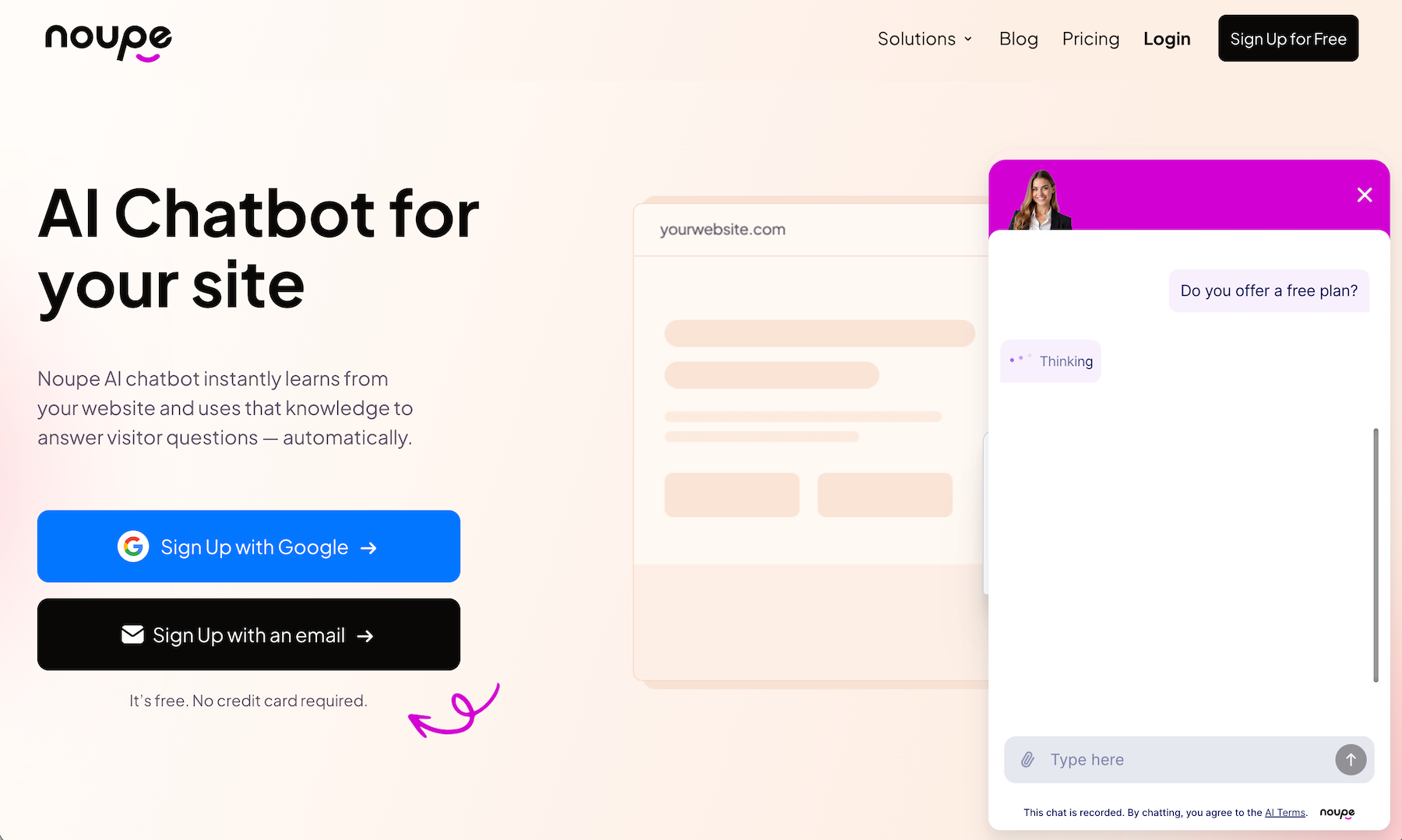
Noupe is the simplest and cheapest AI chatbot app on this list. It’s an easy-to-use AI chatbot generator from the Jotform team that scans your website to automatically answer any question visitors ask.
Start by entering your website URL, and Noupe will store details to use in chat conversations. You can also upload PDF documents with additional knowledge or provide answers to FAQs for the bot to use in responses. Finally, customize it with a greeting, your brand color, and your company’s logo or your headshot for a personal touch, and embed it in your website.
And that’s it. Anytime anyone chats with Noupe, it’ll use your training data to answer their question. It can’t take agentic action on your behalf, but it can share links to your product listings, pricing pages, and more to help drive sales. It’s just like Jotform’s AI Chatbot, but simpler and cheaper without its forms and integrations, making it ideal for teams looking to quickly get started with AI chat.
- Best for: Teams starting out with AI chatbot support
- Pros
- Automatically train a chatbot from your website
- Add additional info from documents and FAQs
- Email logs of every chat conversation
- Cons
- No agentic features beyond automatic training
- Limited customization options
- Plans/pricing
- Free for 100 monthly conversations with Noupe branding
- From $20 per month (or $8 per month with an annual subscription) for 1,000 monthly conversations and no branding
How to choose the right AI chatbot for your business
The best AI chatbot depends on what your business needs to automate.
For customer support, start out with a simple chatbot like Noupe that can answer questions from your site and documentation, or use a support desk-based chatbot like Fin by Intercom or Zendesk for detailed support workflows.
For e-commerce, use Jotform AI Chatbot for selling individual items with a checkout form, Tidio Lyro for a chatbot deeply integrated with Shopify and other e-commerce stores, or Manychat to sell products directly inside social media chat.
For sales, Dialora’s voice chatbot can take on your phone calls, Hyperleap can verify lead data, and Drift’s proactive chatbot can help convert qualified leads when they come back to your site. Zapier Chatbots with their wealth of integrations and Jotform AI Chatbot’s form-driven workflows are also great here.
Turn your website into a 24-7 revenue engine
The best thing about websites and social media platforms is that they can give you a global presence without a global team. People can discover your products and place an order, even if it’s the middle of the night where you live.
Agentic AI chatbots that can gather lead data, fill in forms dynamically from chat, fetch order details, and reply in your customers’ languages take that even further. Instead of waking up to a full inbox of support messages, you can wake up to a CRM full of new leads and an audience of happy customers that got their issues resolved on their own.
“A Federal Reserve Bank of St. Louis study found over half of AI users save 3-plus hours per week,” says OpenAI’s report. With an AI chatbot, your business can save far more time than that — and can free your team up to resolve trickier issues or give your most important customers a human touch on the areas that matter most.
For more details, check out our guide to what AI agents are and see how teams are using agentic chatbots today.
FAQs about AI chatbots for business
You don’t need to know how to code to set up agentic AI. Most agentic AI tools include intuitive settings to enable features, along with AI automation workflows where you can instruct the AI to route data into your software with drag-and-drop interfaces. Some AI chatbots let you add code to automated workflows, to customize the chatbot design, or to embed the chat into your website, but even then you could use chat-based coding tools to let you create code for those tasks without needing to write it yourself.
ChatGPT answers your questions and performs tasks such as creating new code or rewriting your text based on the general knowledge available online and specific things you requested in the chat. Agentic chatbots, on the other hand, take action on their own based on the instructions and data you’ve already shared with them. ChatGPT could, for example, help you write a message to explain your return policy to a customer, where an agentic chatbot could check the customer’s order number, find that they’re still in the return window, and tell the customer how to return the product for a refund.
This article is for Researchers, market analysts, and university students who need to understand the theory for a project and then find a way to actually execute the survey or study.






















































Send Comment: