# Visual Report Designer | Jotform Report Builder Features

## JOTFORM REPORT BUILDER

# Create engaging, easy-to-share reports

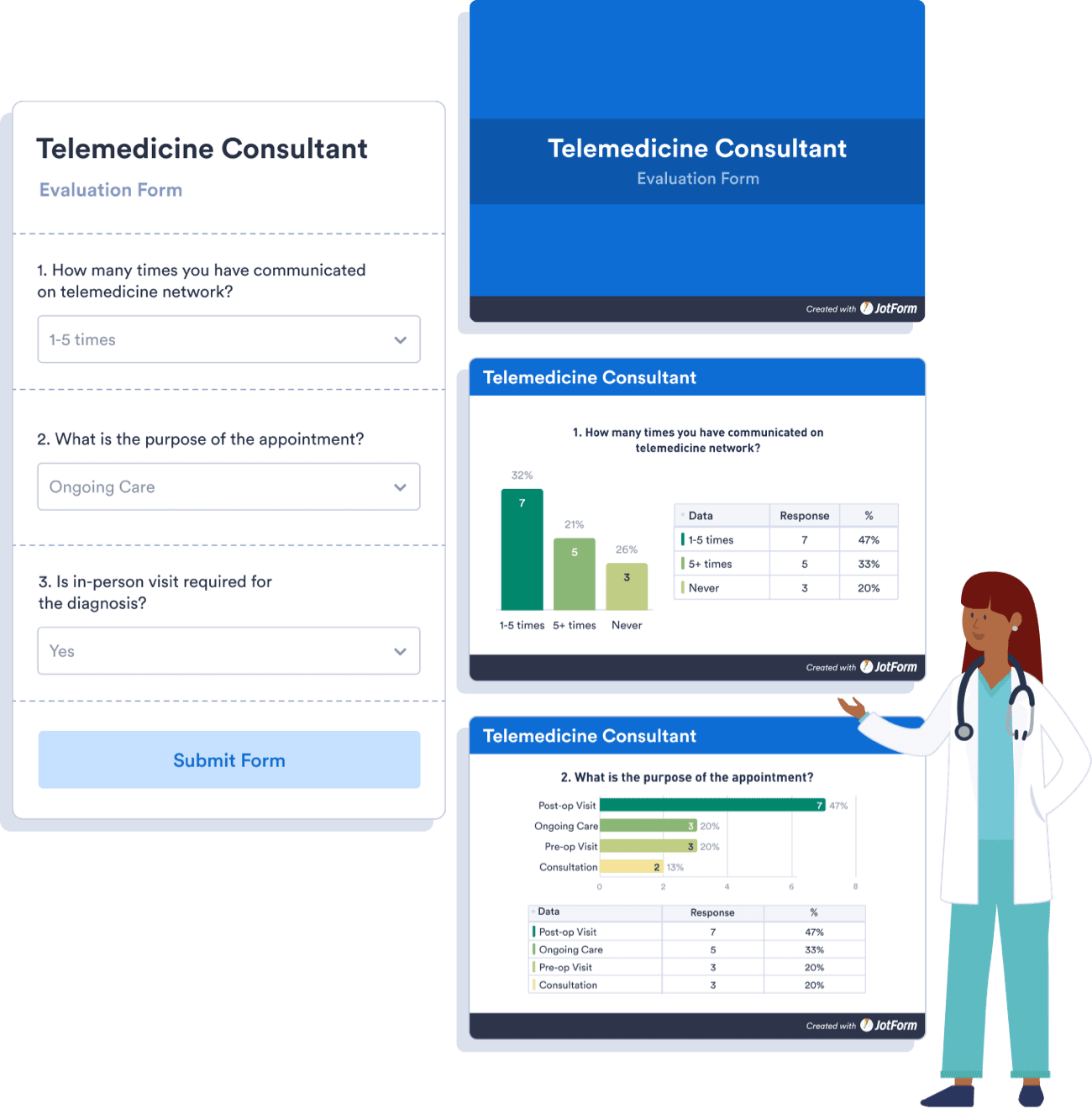
Generate custom reports with Jotform Report Builder and present your form submission data using visuals like charts, icons, and images. Share with coworkers, stakeholders, and clients in seconds.

[**TRY NOW** - It’s Free!](https://www.jotform.com/reports/new)

![Image 1: Create engaging, easy-to-share reports](https://cdn.jotfor.ms/image/r/aHR0cHM6Ly9jZG4uam90Zm9yLm1zL3AvcHJvZHVjdHMvcmVwb3J0LWJ1aWxkZXIvYXNzZXRzL2ltZy1taW4vZmVhdHVyZXMvaW50cm9kdWN0aW9uLnBuZw==/introduction.png?w=1300&t=1)

![Image 2: Enrich your reports with powerful features](https://cdn.jotfor.ms/image/r/aHR0cHM6Ly9jZG4uam90Zm9yLm1zL3AvcHJvZHVjdHMvcmVwb3J0LWJ1aWxkZXIvYXNzZXRzL2ltZy1taW4vZmVhdHVyZXMvMDEtcG93ZXJmdWwtZWxlbWVudHMucG5n/01-powerful-elements.png?w=1268&t=1)

## Enrich your reports with powerful features

Design your report to present your data exactly as you’d like it to be seen.

![Image 3: Chart Types](https://cdn.jotfor.ms/p/products/report-builder/assets/img-min/features/powerful/1.svg)Chart Types

![Image 4: Data Tables](https://cdn.jotfor.ms/p/products/report-builder/assets/img-min/features/powerful/2.svg)Data Tables

![Image 5: Color Palettes](https://cdn.jotfor.ms/p/products/report-builder/assets/img-min/features/powerful/3.svg)Color Palettes

![Image 6: Images](https://cdn.jotfor.ms/p/products/report-builder/assets/img-min/features/powerful/4.svg)Images

![Image 7: Icons](https://cdn.jotfor.ms/p/products/report-builder/assets/img-min/features/powerful/5.svg)Icons

![Image 8: Shapes](https://cdn.jotfor.ms/p/products/report-builder/assets/img-min/features/powerful/6.svg)Shapes

![Image 9: Generate professional looking reports in seconds](https://cdn.jotfor.ms/image/r/aHR0cHM6Ly9jZG4uam90Zm9yLm1zL3AvcHJvZHVjdHMvcmVwb3J0LWJ1aWxkZXIvYXNzZXRzL2ltZy1taW4vZmVhdHVyZXMvMDItYXV0by1nZW5lcmF0ZWQucG5n/02-auto-generated.png?w=1300&t=1)

Auto-generated Reports

## Generate professional looking reports in seconds

Gather important feedback, survey responses, and more — then turn the data into polished reports that you can share and present in just one click.
![Image 10: Automatically convert form data into visuals](https://cdn.jotfor.ms/image/r/aHR0cHM6Ly9jZG4uam90Zm9yLm1zL3AvcHJvZHVjdHMvcmVwb3J0LWJ1aWxkZXIvYXNzZXRzL2ltZy1taW4vZmVhdHVyZXMvMDMtbXVsdGlwbGUtZmllbGRzLnBuZw==/03-multiple-fields.png?w=40&t=1)

Custom Slides

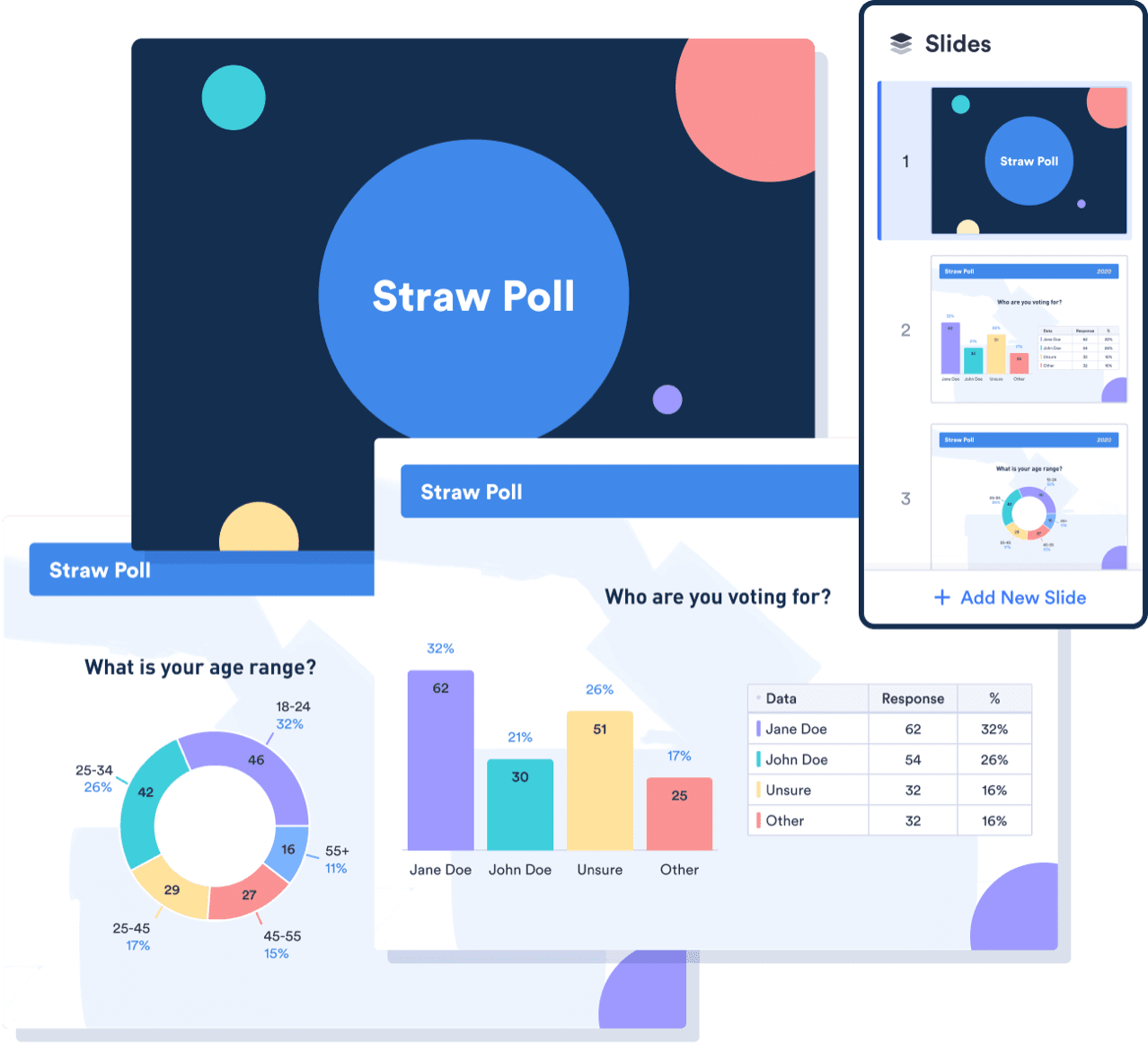
## Automatically convert form data into visuals

Choose from extended or compact design options, and customize your slides to improve your presentation’s flow.
![Image 11: User Friendly Image](https://cdn.jotfor.ms/p/products/report-builder/assets/img-min/features/04-user-friendly.svg)

User-Friendly Builder

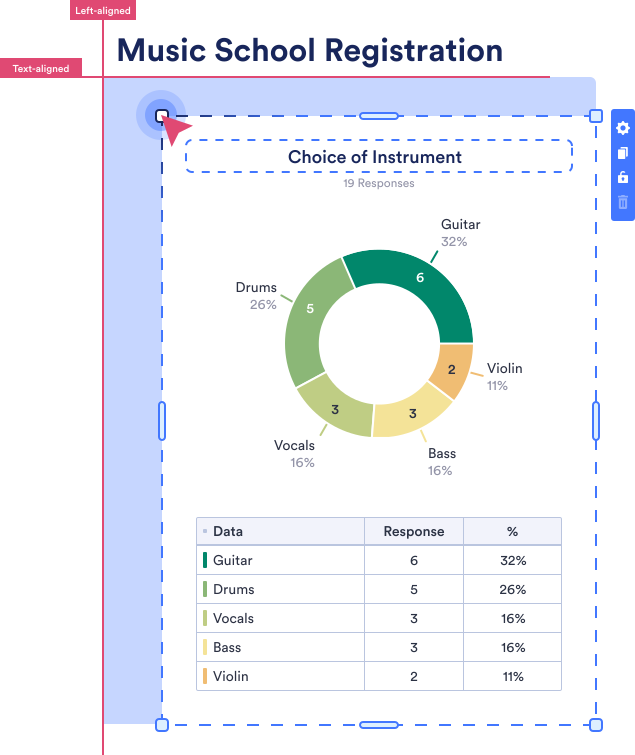
## Drag-and-drop customization tool

Rearrange your presentation’s layout and customize it to your liking with our user-friendly Report Builder. Just drag and drop to get the look you want — no coding required.

## Embed live reports in your website

Copy and paste an auto-generated embed code to share real-time data with your audience. Reports will refresh with new form data automatically.

Perfect for **Medium posts**, **WordPress**, and more.

[**TRY NOW** - It’s Free!](https://www.jotform.com/reports/new)

![Image 12: Download Image](https://cdn.jotfor.ms/p/products/report-builder/assets/img-min/features/07-download.svg)

Download

&

Print

## Download and print PDF reports

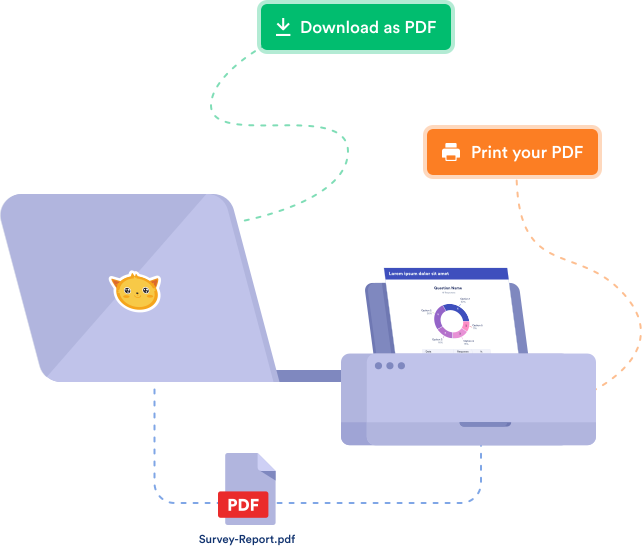
Save your reports as secure PDFs that you can access on any device, share with colleagues in one click, or print for physical documentation.

Create professional reports with your form data

[**TRY NOW** - It’s Free!](https://www.jotform.com/reports/new)