Split PDF Logo

Pisahkan File PDF dalam Hitungan Detik, Langsung di Google Workspace

Kelola dokumen PDF Anda dengan lebih efisien menggunakan Split PDF by Jotform. Bagi file besar, ekstrak halaman tertentu, dan jaga dokumen Anda tetap terorganisir di Google Workspace.

Split PDF hero
Install now — It’s free

Cara memisahkan file PDF
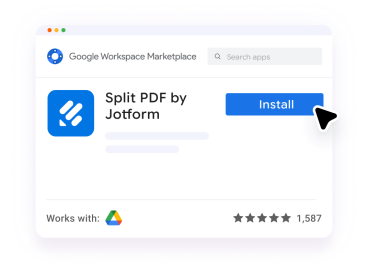
Install the app

Pasang aplikasi

Dapatkan Split PDF by Jotform dari Google Workspace Marketplace.
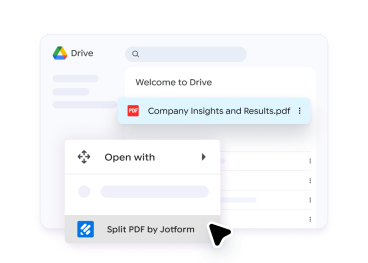
Choose your PDF

Pilih PDF Anda

Di Google Drive, pilih PDF yang ingin Anda pisahkan.
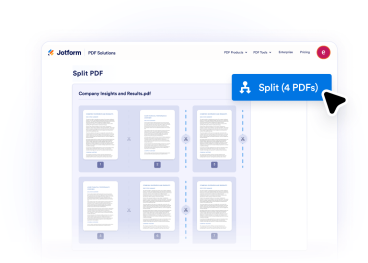
Split, review, and save

Pisahkan, tinjau, dan simpan

Pilih cara membagi file Anda, pratinjau hasilnya, dan simpan PDF baru Anda.

Kenapa Jotform?

Pemisahan PDF yang Cepat dan Sederhana

Pisahkan file PDF besar menjadi bagian yang lebih kecil dalam hitungan detik. Ekstrak hanya halaman yang Anda butuhkan tanpa langkah yang rumit.
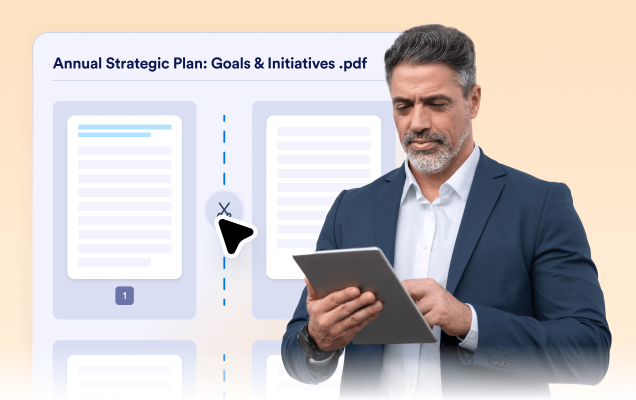
Fast and Simple PDF Splitting

Pemilihan halaman yang fleksibel

Pilih halaman atau rentang tertentu dan pisahkan menjadi file terpisah—disesuaikan dengan kebutuhan Anda. Jaga dokumen Anda tetap terorganisir dan mudah dikelola.
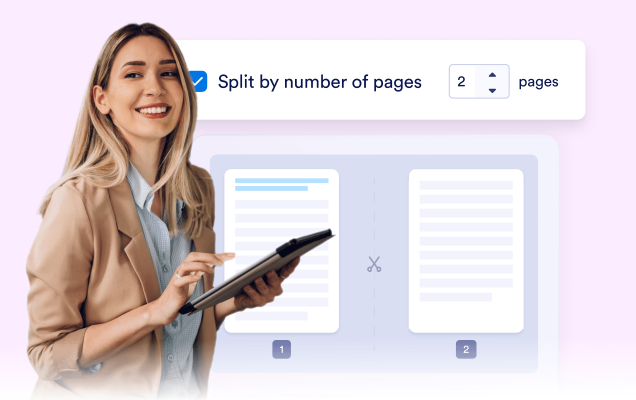
Flexible page selection

Terintegrasi dengan mulus dengan Google Workspace

Pisahkan file langsung di Google Drive™ tanpa mengganggu alur kerja Anda. Akses, atur, dan kelola semua PDF Anda di satu lokasi.
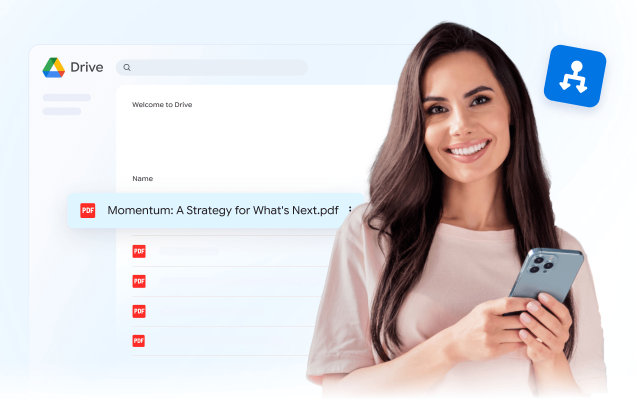

Blends seamlessly with Google Workspace

Aplikasi Jotform di Google Workspace

Form Builder by Jotform

Create forms without coding. Collect signups, registrations, leads, payments, e-signatures, and more on any device.

Try now
AI Form Builder

AI Form Builder

Instantly create Google Forms™ with AI. Import questions from Google Docs™, Google Sheets™, Google Slides™, and more.

Try now

Tanda Tangan PDF

Turn PDFs into e-sign documents that can be filled out and signed on any device.

Try now

Chat with PDF by Jotform

Interact with uploaded PDFs using a chat interface. Ask questions, summarize information, and ask for explanations.

Try now

PDF Filler by Jotform

Turn PDFs into fillable web forms. Easily share forms and collect responses online. Save completed forms in the original PDF layout.

Try now

Mobile App Creator for Google Forms by Jotform

Create your own app without coding. Add Google Forms™, links, images, and more.

Try now

Merge PDF by Jotform

Combine multiple PDF files into a single document, simplify file organization and sharing.

Try now

Compress PDF by Jotform

Reduce PDF file sizes without compromising quality, use them for easy file sharing and storage.

Try now

Split PDF by Jotform

Separate multipage PDF files into smaller documents for easier organization and sharing.

Try now

Forms to Chatbots by Jotform

Turn Google Forms™ into interactive chatbots for real-time user engagement and more innovative data collection.

Try now

AI Agents by Jotform

Enhance user experiences with AI Agents by Jotform, offering instant assistance, personalized interactions, and cross-platform scalability.

Try now
AI Email Writer & Draft Agent for Gmail™

AI Email Writer & Draft Agent for Gmail™

Use an AI-powered email writer to instantly draft smart replies in Gmail™ and improve your response time.

Try now