Jotform makes it easy to collect and validate Chilean RUT (Rol Único Tributario) numbers directly in your forms with the Chilean RUT Validator widget. The widget automatically checks the RUT format and verifies the check digit using the Modulo 11 validation algorithm, helping ensure accurate and valid submissions.
This helps reduce data entry errors, improve data quality, and streamline workflows that require verified Chilean tax identification numbers.
Here are a few ways to use it:
- Collect Chilean RUTs on registration or application forms.
- Validate taxpayer identification information.
- Gather RUT details for finance, HR, or onboarding processes.
- Reduce formatting mistakes and invalid submissions.
- Accept both formatted and digits-only RUT entries.
- Validate RUTs with numeric or K verification digits.
Whether you’re starting fresh or updating a form, adding and setting up the Chilean Rut Validator widget takes only a few steps. Here’s a quick how-to:
- In Form Builder, click on Add Element on the left side of the page.

- Now, in the Form Elements menu, under the Widgets tab, search for Chilean Rut Validator and then click on it. Or, just drag and drop it to where you want it to be on your form.

- Next, in the Widget Settings menu that opens on the right side of the page, under the General tab, you’ll see this list of settings you can configure:
- Placeholder — Enter the placeholder text that will appear inside the Chilean RUT input field.
- Output Format — Choose whether the validated RUT is displayed as Formatted or Digits Only.
- Once you’re done, click on Update.

That’s it. You’ve successfully added and set up the Chilean Rut Validator widget on your form.
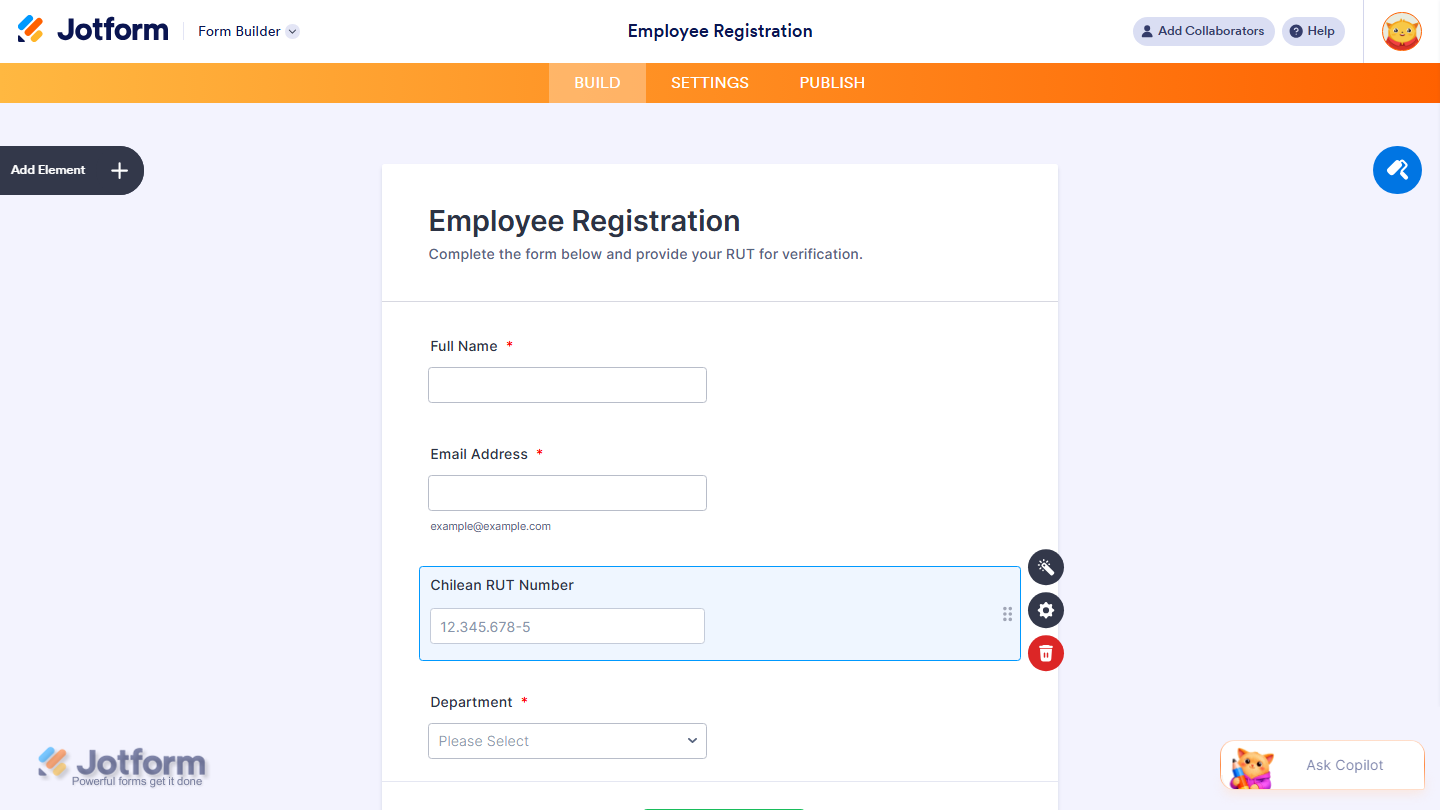
Want to see how it works? Check out this live demo form.
Note
- For advanced styling of the Match Items widget, you can add your own custom CSS code under the Custom CSS tab in the Widget Settings. Our guide on How to Inject CSS Codes to Widgets walks you through everything.
- You can also configure the widget properties, like alignment, labels, size, visibility, and more, to control how it looks and behaves in your form. Check out our guide on How to Access and Configure the Question Properties of a Widget to learn more.

Send Comment: