
Report a Problem App helps people quickly flag issues and follow up without guessing where their request went. Use it to collect problem reports from employees, customers, tenants, students, or community members, then keep everything organized in one place. The app supports fast reporting through a dedicated report form, plus simple self-service access to view personal reports and browse a broader list of reported issues when needed.
Built with Jotform App Templates, this app template can be customized with Jotform’s no-code app builder and a drag-and-drop interface to match your workflow. Connect the reporting button to your form, route information into tables for easier tracking, and publish a shareable link so people can report problems and check progress from any device. With Jotform, teams can centralize data collection and keep issue reporting consistent across locations and departments.
Related templates

Law Firm App
Need an efficient way to manage your law firm? Keep track of your associates and fellows, manage your case documents, review client forms, and more with our Law Firm App – free from Jotform. With your custom app, you’ll be able to receive and manage all types of internal information. All your data will be stored on your Jotform account in one accessible place – go paperless and manage your firm in a centralized place. Want to give your Law Firm App a professional, polished touch? Jotform’s no-code drag-and-drop app builder allows you to customize your app just the way you want. Use your logo or pick an app icon and background image that represents your firm the best. Your lawyers can access the app through direct messaging, email, or via a scannable QR code. Relieve some of your daily stress and try Jotform’s free Law Firm App today.
Go to Category:Management Apps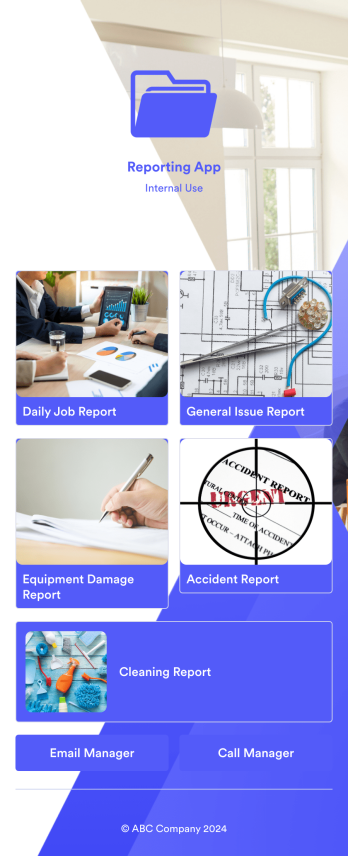
Reporting App
A reporting app is used to track and manage reports — including general daily reports, incident reports, equipment damage reports, employee write ups, and more. To create your own custom Reporting App, use this ready-made template from Jotform. Include your report forms, inquiry forms, contact forms, and more.Need to change the look and feel of this Reporting App Templates? No problem. Jotform Apps offers an intuitive drag-and-drop builder so you can make any design or content changes. Add or remove forms, select a unique app icon, integrate with widgets and platforms, choose a background image or color, and so much more. Streamline your reporting processes with Jotform Apps today.
Go to Category:Company Portal Apps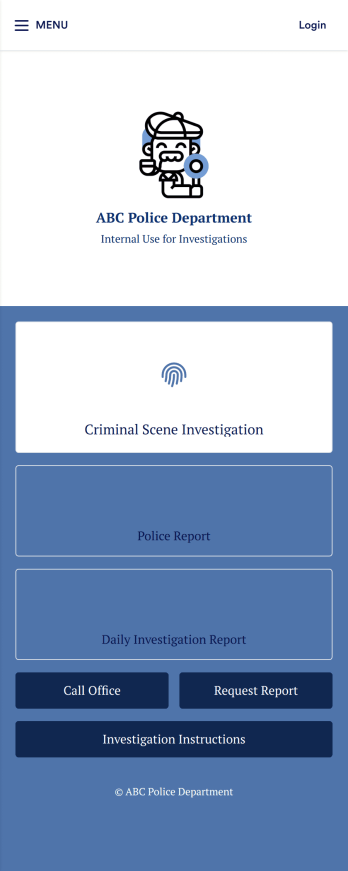
Investigation App
An investigation app is used by police officers and crime scene investigators to log important crime scene details. Investigators can create CSI reports documenting important case details such as dates, witnesses, addresses, and items found. A separate police report form allows officers to log their name and ID, incident dates and times, location, people involved, and any additional relevant information. Officers can also upload images and documents and sign off on reports using an e-signature form. All submissions are stored in your secure Jotform account.Customize this app template to meet your department’s individual needs with Jotform’s no-code app builder. Simply drag and drop to create additional forms, edit text fields and checklist items, install widgets and integrations, and much more without any coding knowledge. Share your custom Investigation App with CSI investigators and police officers by sending email invites or embedding it in an internal website, where it can be accessed and downloaded on any device. Create secure online crime scene reports with a free Investigation App from Jotform.
Go to Category:Inspection Apps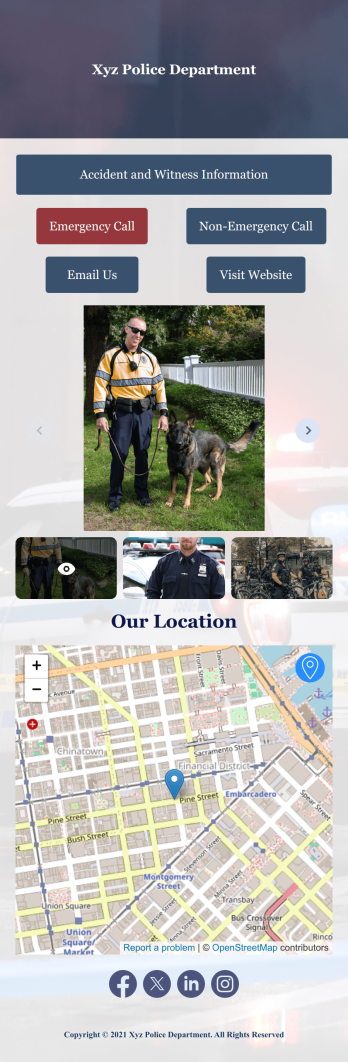
Accident Reporting App
Make it easier for members of your community to report accidents as they occur. Our free Accident Reporting App for police departments lets users submit witness accounts and incident details from any device. Witnesses can download the app to their smartphone, tablet, or computer and fill out the reporting form from anywhere. As account owner, you’ll receive submissions instantly so your police team can respond to incidents as soon as possible. Modify this Accident Reporting App to meet your department requirements in just a few clicks. Without coding, you can easily create and add new forms, include text and images, embed links, and update app details such as icon and name. When it’s ready, you can add the app link to your department website for people to access and download on their devices. Respond to and resolve incidents quickly with a custom, easy-to-use Accident Reporting App.
Go to Category:Report Apps
Safety Audit App
A safety audit app is used by safety auditors to perform safety inspections from their mobile devices. Have members of your inspection team perform audits without any messy paperwork using this free Safety Audit App. The app can be downloaded onto any computer, tablet, or smartphone to gather important data in the field — such as checks for fire prevention, equipment, first aid, and more.Customize this app template’s design without coding using our drag-and-drop app builder. Update items on your inspection checklist, include your company logo, change the app icon or background, and make other changes in seconds. You can then share the app via link or email to be downloaded onto iOS or Android devices. Save time and paper performing safety checks with a free Safety Audit App from Jotform.
Go to Category:Construction Apps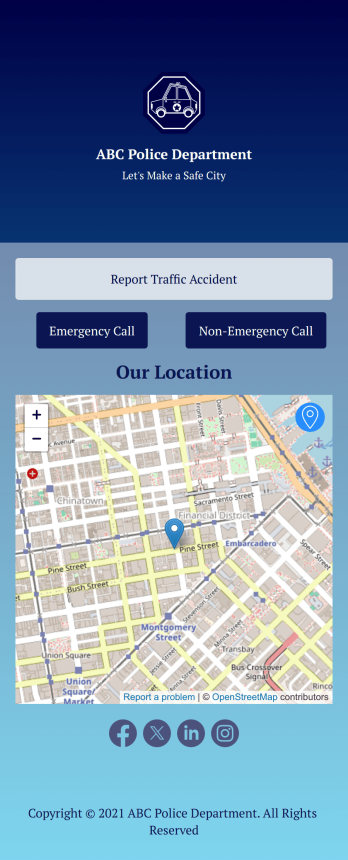
Custom Traffic Accident App
A traffic accident app is used by private citizens to record the details of a traffic accident to give to the police. This free Traffic Accident App contains a form where drivers can take down general contact information for both parties, describe any bodily injuries or vehicular damage, draw a diagram of the accident site, and provide a digital signature. There is also space to add any witnesses who may have been on the scene.Need to change a few things? Using our drag-and-drop interface, you can easily add forms and text, choose fonts and colors, upload images, and more — all with no coding. Accident reports are stored securely in your online account and can be accessed on any device to share with the police. You can even share your report via link or attach it to an email. Provide a thorough description of a traffic accident this fully customizable Traffic Accident App.
Go to Category:Report Apps