
Realizzazione App helps you plan and manage an app creation project in one place, so you can keep ideas, decisions, and next steps organized from kickoff to launch. Use it to centralize project notes, outline milestones, and provide a simple self-service reference point for stakeholders who need clarity on what’s happening and what’s next. It’s a practical fit for founders, product teams, agencies, consultants, and internal IT groups coordinating requirements, timelines, and handoffs without relying on scattered documents.
With Jotform, you can turn this Realizzazione App into a polished, shareable experience using a no-code app builder and a drag-and-drop interface. Publish a mobile-friendly app that’s easy to update as plans change, then share it by link or QR code so everyone stays aligned. As your workflow evolves, you can expand the app with connected forms, tables, and approvals to support smoother data collection and keep key project information accessible in a single hub.
Related templates
Custom Time Tracker App
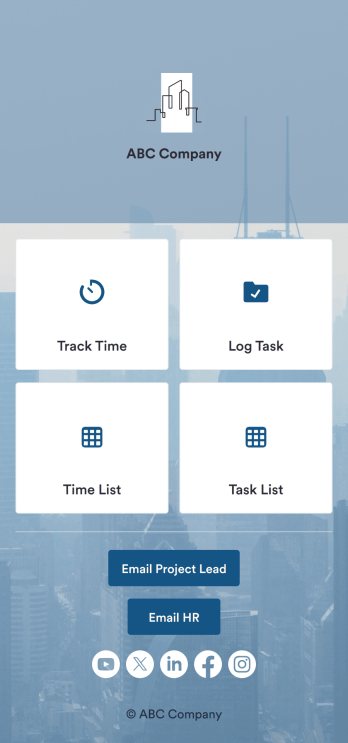
A time tracker app is used to keep track of employees’ hours and tasks. With Jotform’s free Time Tracker App, managers can keep a complete record of the times employees punch in or out, task details and the amount of time employees spend on them, and view all the information in a professional spreadsheet. All submissions are stored securely in your Jotform account and ready to access on any device.Need to make changes to this app template? Be sure to add your logo, change the background image, and choose new fonts and colors for a personalized touch. You can also customize the spreadsheet layouts and make changes to the app’s forms to collect other types of information — then share the app for your employees to download onto their devices. Better manage employee information with a free Time Tracker App from Jotform.
Go to Category:Management Apps
Homework Planner App
A homework planning app is a mobile application created by teachers and educators to help their students keep track of assignments and due dates. Use this ready-made Homework Planner App template from Jotform Apps to create your own in just a few easy clicks. Keep students updated on upcoming assignments, collect homework, list your office hours, and more.Want to make changes to how this Homework Planner App looks? No problem. With Jotform’s drag-and drop builder, you can add or remove forms, pick a background image, change font types, upload images and videos, select a unique app icon, and more. After you’re done customizing your app, simply embed it in your website or online portal for students to download.
Go to Category:Planner Apps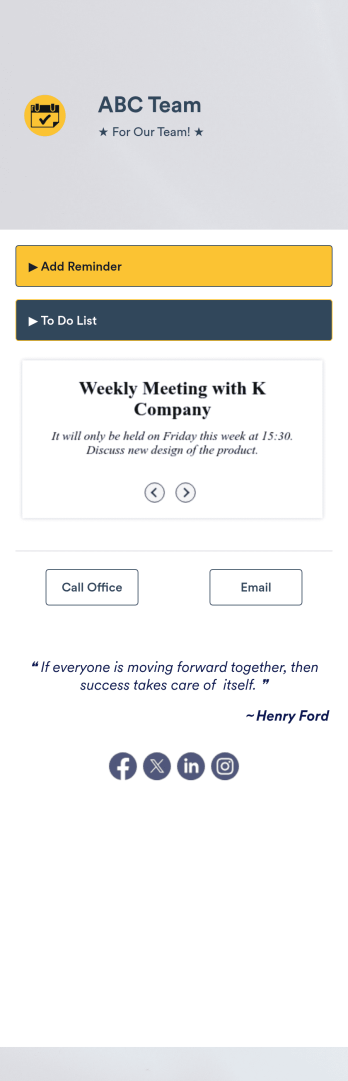
Priority List App
A priority list app is used by employees who work in a team to prioritize tasks. With Jotform’s free Priority List App, team members can easily add tasks with priority levels and deadlines, as well as set reminders. Tasks are compiled in a searchable and easy-to-understand task list table, which can be accessed by team members on any device.Customizing this Priority List App is easy. With our drag-and-drop form builder, you can add new forms, upload images, change fonts and colors, and more — all with no coding. After you’re done, you can share your app with other team members via link, or even embed it in an internal website. Your app can be downloaded on any smartphone, tablet, or desktop for future use. Keep your team on track with this fully customizable Priority List App!
Go to Category:Management Apps
Auto Post App
Auto Post App brings your social content workflow into one place so teams can draft posts, organize what’s coming up, and keep a clear record of what’s already gone out. It’s a practical fit for social media managers, small business owners, creators, and marketing teams who want a simple way to build drafts, move them into a queue, and reference past publishing activity without relying on scattered notes or multiple tools.With Jotform App Templates, you can publish a branded, self-service app experience powered by Jotform’s no-code app builder and drag-and-drop interface. Connect your draft form to collect content details, use lists to review items in your queue and history, and share the app with teammates so everyone follows the same workflow from planning to tracking.
Go to Category:Social Media Management Apps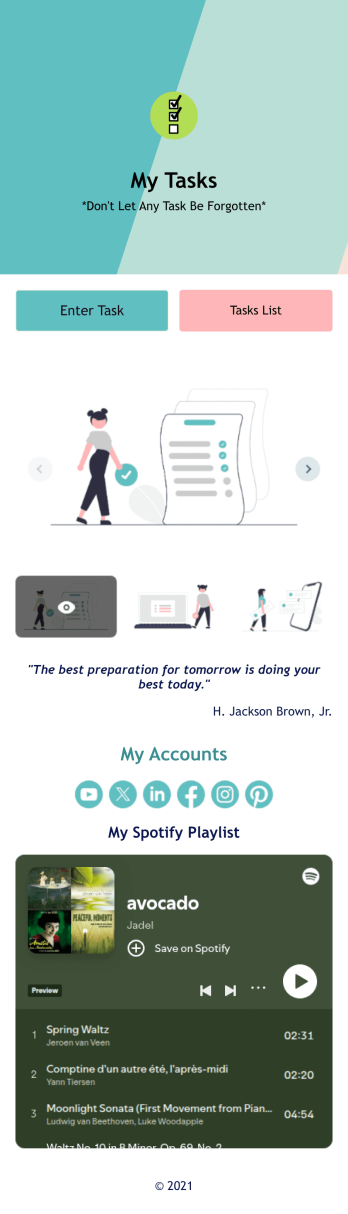
Recurring Tasks App
A recurring tasks app is used to track and manage daily tasks. Whether you’re organizing tasks for school, work, or at home, do it directly from your desktop or mobile device with a free Recurring Tasks App from Jotform! All tasks are stored securely in your Jotform account and easily accessible on any device — including as a spreadsheet, calendar, or individual cards with Jotform Tables’ Daily Task List!Feel free to update the design by adding other forms, changing colors, uploading your logo, and making other changes for a personalized touch with our no-code builder. You can even copy and paste the app link to send it to members of your team, so they can download it onto their devices too! Organize your tasks more efficiently with this Recurring Tasks App.
Go to Category:Management Apps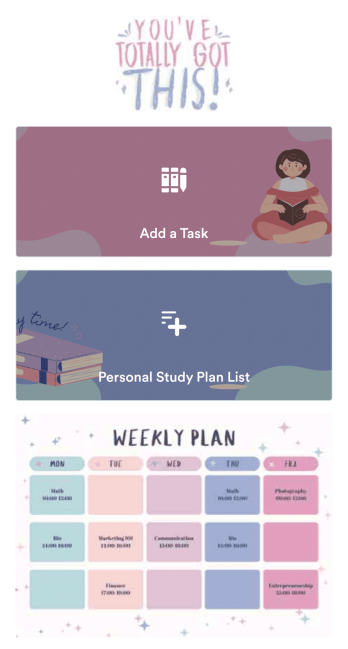
Customizable Study Planning App
A study planning app lets students create a student plan and track it on their mobile device. With this ready-made Study Planning App from Jotform, you can quickly and efficiently start tracking tasks, schedules, and study plans no matter where you are. Just customize the app to meet your study needs and download it for iOS, Android, or onto your computer for easy access.Need to make changes to this Study Planning App template? No problem — just drag and drop to get the design you want. Split your app into multiple pages, add more forms or tables, and make other changes in seconds with no coding knowledge required. You can even connect your app to 250+ other platforms like Trello, Asana, and more to monitor your study plans in your other accounts!
Go to Category:Organization Apps