
Inventory Wine App helps you catalog bottles, browse current stock, and record stock movements so your cellar or wine program stays accurate. It’s a practical fit for wine shops, restaurants, bars, tasting rooms, distributors, and collectors who want one place to view what’s on hand, add new wines as they arrive, and keep a simple history of increases and decreases.
Built with Jotform App Templates, this app template pairs a clean, mobile-friendly layout with connected forms and lists for fast data collection and everyday workflow updates. Customize pages with Jotform’s no-code app builder and drag-and-drop interface, then share a self-service experience with your team so inventory updates happen consistently and stock decisions are based on up-to-date information.
Related templates

Food Expiry App
Food Expiry App helps you track what food you have on hand, what’s expiring soon, and what ends up being thrown away. It’s a practical fit for home kitchens, office break rooms, small cafés, and pantry teams that want a simple way to add food items, browse an up-to-date inventory list, and review an expiring-soon view before products go past their date. With a built-in waste log, it also supports basic waste tracking so you can spot patterns like over-ordering, poor rotation, or items that regularly expire unused.Built with Jotform, this app template turns everyday food tracking into a shareable, self-service experience that works on any device. Use Jotform’s no-code app builder and drag-and-drop interface to tailor fields, adjust the layout, and connect the app to your data collection workflow so updates stay organized in one place. From restocking routines to daily checks, Jotform makes it easy to keep inventory visible, reduce avoidable waste, and stay consistent without adding extra tools.
Go to Category:Restaurant Inventory Apps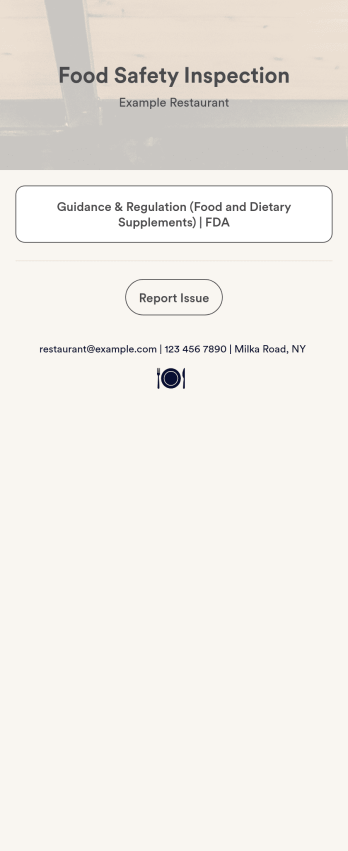
Food Safety App
A food safety app is used by restaurant managers and health inspectors to document food storage and preparation conditions of a restaurant kitchen. With this free Food Safety App from Jotform, you can fill out health and safety checklists for food preparation and contamination, as well as heated and frozen foods. Inspectors can date and sign their reports using a digital signature box at the bottom of the form. For convenience, a link to the FDA’s Guidance & Regulation web page is available on the main page of your app. Inspection reports are instantly synced to your secure Jotform account and can be accessed from any device.Customize this app template without any coding using our drag-and-drop interface. With a few clicks, you can swap out form elements, add checklists, upload images, choose fonts and colors, personalize your splash screen, and more. After you’re done, your app can be downloaded on any smartphone, tablet, or desktop with a shareable link. Make sure your restaurant is safe and hygienic with this Food Safety App from Jotform.
Go to Category:Inspection Apps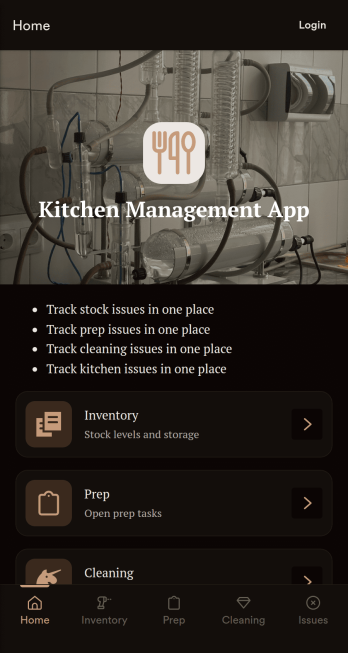
Kitchen Management App
Kitchen Management App brings daily kitchen operations into one place so teams can stay organized during busy shifts. Use it to track inventory items, assign and follow prep tasks, run cleaning checks by area, and log issues as they come up. It’s a practical fit for restaurants, cafés, catering teams, and food trucks that need clearer handoffs between managers, cooks, and opening or closing staff without relying on scattered notes or messages.Jotform makes it easy to turn this kitchen workflow into a shareable, mobile-friendly experience with a no-code app builder and a drag-and-drop interface. Connect the app to forms for fast data collection, keep records organized for your team, and build simple workflow steps around restocking, prep planning, sanitation routines, and issue reporting. With Jotform App Templates, you can customize pages, branding, and navigation, then publish and share the app with the people who need it most.
Go to Category:Restaurant Management Apps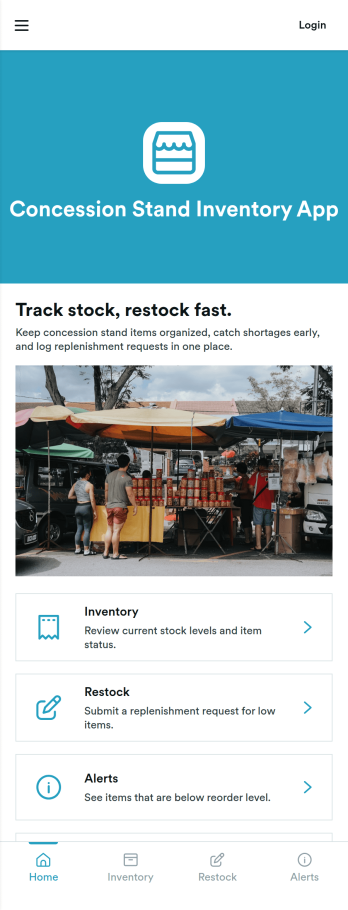
Concession Stand Inventory App
Concession Stand Inventory App helps you keep snack and drink stock under control for busy booths at games, tournaments, fairs, and school events. Use it to view current inventory, add new items as your menu changes, and log restocks so volunteers and staff know what’s available before the next rush. With a dedicated area for operational inventory insights, this app supports day-to-day decisions like which items are running low, what needs replenishing, and how stock levels shift across event days.Jotform makes it easy to turn this Concession Stand Inventory App into a mobile-friendly self-service experience using a no-code app builder with a drag-and-drop interface. Connect your app to Jotform forms and tables for reliable data collection, then share a single link or QR code with your team so updates happen in one place. As your workflow evolves, you can adjust navigation, add pages, and keep inventory records organized without relying on technical help.
Go to Category:Inventory Apps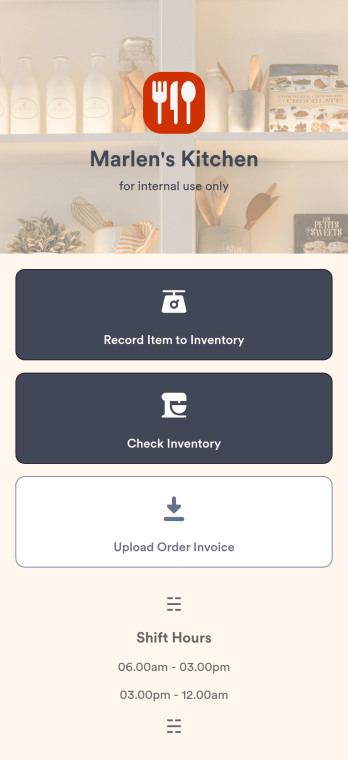
Restaurant Food Inventory App
A Restaurant Food Inventory App is used by restaurant owners and their employees to keep track of food and equipment. With this readymade app template, you can record inventory type, item name and type, quantity, and unit cost. There is also a separate form for uploading PDFs and images of invoices. Inventory submissions are instantly synced to an easy-to-read Restaurant Inventory Sheet, which is stored securely in your online account.Looking to customize your Restaurant Food Inventory App? Our drag-and-drop interface makes it easy to add forms, choose fonts and colors, upload your restaurant’s logo, update the app name or text, and more — no coding necessary. Afterwards, simply have your employees download the app onto any smartphone, tablet, or desktop, and you’re ready to go. Make inventory tracking a breeze with this Restaurant Food Inventory App!
Go to Category:Company Portal Apps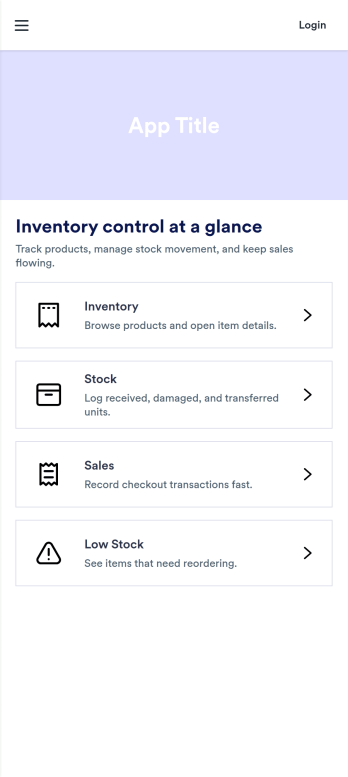
Pos Inventory App
Pos Inventory App helps retail and food service teams keep inventory control close to the register, so staff can quickly find items, review stock position, and spot what needs reordering. With an inventory list and item detail views, it’s useful for tracking inventory items, monitoring stock movement, and keeping a low stock watchlist visible for day-to-day operations. Store owners, shift leads, and back-of-house teams can use it to reduce missed restocks, avoid selling unavailable items, and maintain cleaner records across locations or departments.Built with Jotform App Templates, this app template can be customized in minutes using Jotform’s no-code app builder and drag-and-drop interface. Connect your inventory forms and data collection to keep records updated, then share the app through a link or QR code for fast staff access on mobile devices. As your workflow evolves, you can adjust pages, add steps for internal reviews, and keep sales and inventory logs organized in one place.
Go to Category:Inventory Apps