A family reunion planning app brings your event details into one easy place so relatives can RSVP, share up-to-date contact information, and coordinate food and activities without long group threads. Use it to collect attendance counts, build a simple family directory, invite volunteers to suggest or lead activities, and organize potluck sign-ups so everyone knows what to bring. It’s a practical fit for hosts planning multi-day reunions, park gatherings, destination meetups, or milestone celebrations where different households need clear next steps and a single source of truth.
With Jotform, you can turn this app template into a personalized hub using a no-code app builder and a drag-and-drop interface. Connect cards and pages to forms for data collection, route information to the right people, and keep your workflow moving from RSVPs to post-reunion feedback. Share the app with a link or QR code so family members can access it on the go, and update content anytime as plans change.
Related templates
Customizable RSVP App
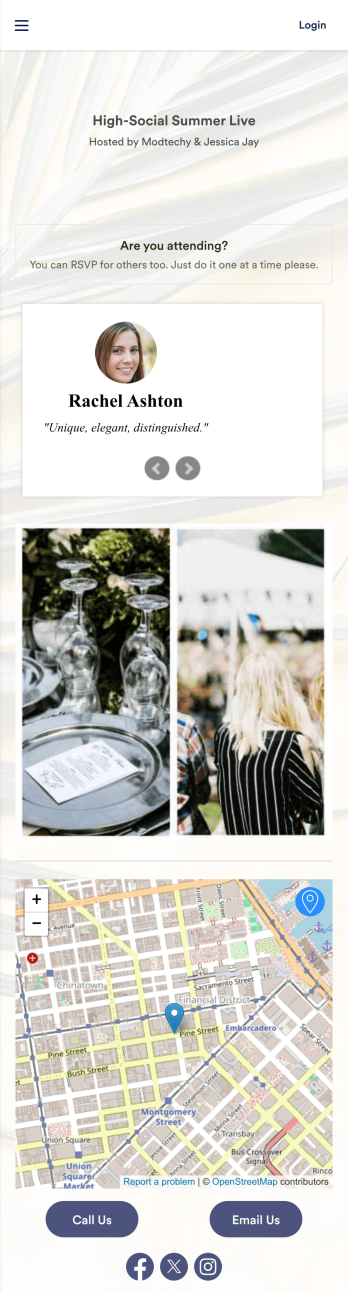
Whether it’s for a conference, gallery opening, or even your own birthday party, our RSVP App is a great way to track attendance for upcoming events and gatherings. With this simple app template, would-be attendees can RSVP with their name, email, phone number, and a brief message. Your attendance form is stored securely in your online account and can be accessed and downloaded on any device.Want to customize your RSVP App? With our drag-and-drop builder, it’s easy to add forms, upload images, change fonts and colors, create a custom app icon, and more — no coding necessary. You can even add text and images to your app’s splash screen to really make it your own. When it’s ready, just share a link to your app via email or social media and you’re off and running. Make RSVPing for your next party a little fancier with this customizable RSVP App!
Go to Category:Booking Apps
Christmas RSVP App
A Christmas RSVP app is a handy tool that takes the stress out of holiday organizing by helping hosts manage invitations and track responses. Ideal for family gatherings and community celebrations, this ready-made Christmas RSVP App from Jotform lets your guests RSVP directly through the app and include their dietary preferences, plus-one details, and other important information.Need to make changes to this Christmas RSVP App? No problem — just drag and drop to get the design you want. Update the app to include the date, time, and location of your event, choose a new splash screen and icon, upload photos, and make other changes to create the perfect app for your needs. Enjoy a joyful event planning experience with Jotform, leaving more time to enjoy the holiday festivities.
Go to Category:Event Registration Apps
Private Event RSVP App
A private event RSVP app is used to collect and manage guest reservations for a private party or event — perfect for individual party hosts or event management companies. To build your own, use this ready-made Private Event RSVP App from Jotform. Gather RSVPs, get information about plus-ones and dietary restrictions, share details about the venue and dress code, and more.Want to personalize your Private Event RSVP App to more closely match your event’s theme? Use Jotform’s intuitive, no-code app builder. Drag and drop to choose a unique app icon, add or remove forms, change colors and fonts, and more. You can even integrate with 200+ useful platforms to send guest data to your other accounts automatically. Jotform allows you to make your app private, so only your chosen guests can access it.
Go to Category:Event Registration Apps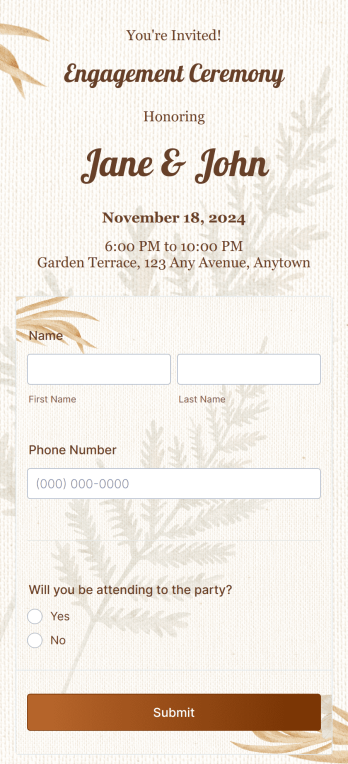
Engagement RSVP App
An engagement RSVP app is used to invite attendees to an engagement party and record RSVPs. Whether you’re celebrating your own engagement or hosting engagement parties for clients, this ready-made Engagement RSVP App lets you quickly receive RSVPs from guests on any device. Simply share the app via email, add it to social media, or embed it in the event website to start collecting RSVPs fast.Feel free to update this Engagement RSVP App’s design with our drag-and-drop builder. No coding required! You can include important event details like time and location and update form fields to collect information like name, phone number, dietary restrictions, plus-ones, and more. With all this information instantly at your fingertips, you’ll be able to plan your engagement event without a hitch.
Go to Category:Event Registration Apps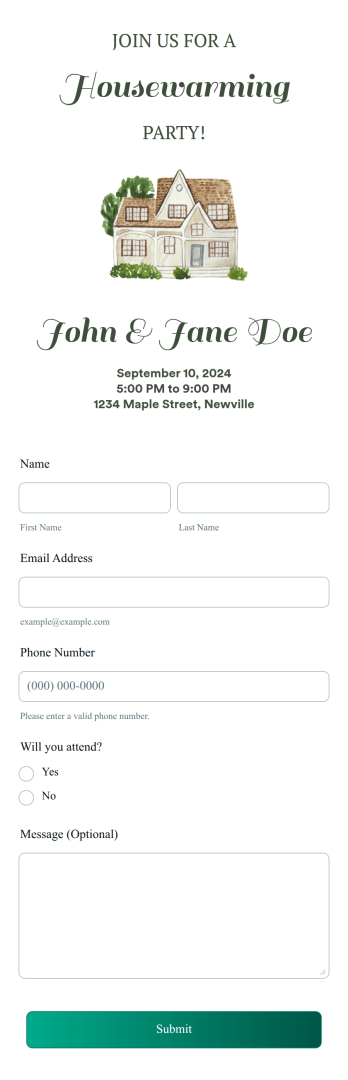
Housewarming RSVP App
A housewarming RSVP app is used to collect and track RSVPs for an upcoming housewarming event. Use this ready-made Housewarming RSVP App from Jotform to organize the perfect housewarming party. Gather RSVPs, information about dietary restrictions, names of plus-ones, and more. Opt to include a food sign up sheet for potluck style parties, or add a Donation Box element if you plan to cover all housewarming expenses upfront and would appreciate help with the costs.Use this Housewarming RSVP App as it is, or customize it with our no-code app builder. Drag and drop to upload images or videos, add or remove forms, change fonts and colors, integrate with 200+ platforms like Calendly or Google Sheets, and more. Host the perfect housewarming party for your new place with Jotform Apps — no coding required.
Go to Category:Event Registration Apps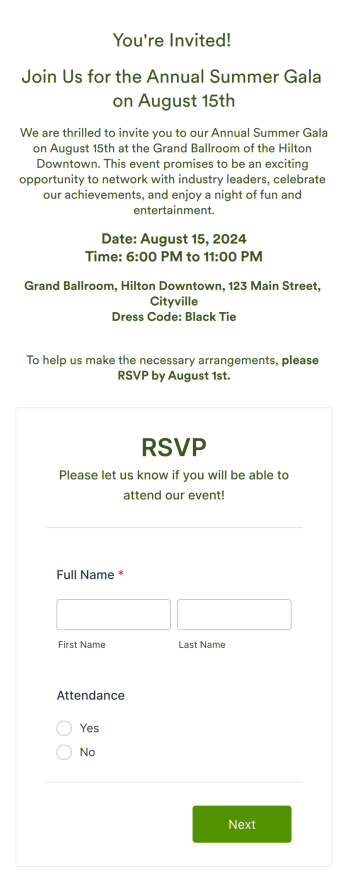
Event RSVP App
An event RSVP app is a convenient way to keep track of who’s planning to attend your next event. With this free Event RSVP App Template, you can create a custom app that lets you invite guests and manage guest lists for conferences, meetups, weddings, birthdays, and other special events. Use the app to provide essential details about your event like the time and location, then share it with guests in a single click to confirm their attendance and collect their contact information instantly.It’s easy to customize the Event RSVP App Template to fit your needs with Jotform’s drag-and-drop builder. Change the layout, update the color scheme, add photos, bundle multiple forms together, and more without writing any code. Choose from hundreds of useful form integrations like MailChimp and Google Drive to automatically sync the data you collect, and easily connect to popular payment processors like PayPal, Square, or Stripe to accept payments for tickets or donations without any additional fees from Jotform. When you’re ready to launch, guests can access your app from their smartphone, tablet, or computer and even download it to their device so they can register and review event details anytime, anywhere.
Go to Category:Event Registration Apps