
An Assignment Organizer App brings assignments, due dates, and student turn-ins into one easy place so classes don’t lose track of what’s next. Use it to post new assignments, keep an up-to-date list of work, and let students add submissions as they complete tasks. It’s a practical fit for teachers, tutors, training coordinators, and academic programs that need a clear way to manage assignment records and quickly navigate into assignment details.
With Jotform, you can turn this app template into a branded, shareable experience using a no-code app builder and a drag-and-drop interface. Connect buttons and pages to your forms and tables to support data collection and a repeatable workflow, from adding a new assignment to reviewing submissions in a self-service format. Publish your app in minutes, update it anytime, and share a single link with your class or team.
Related templates
Homework Management App
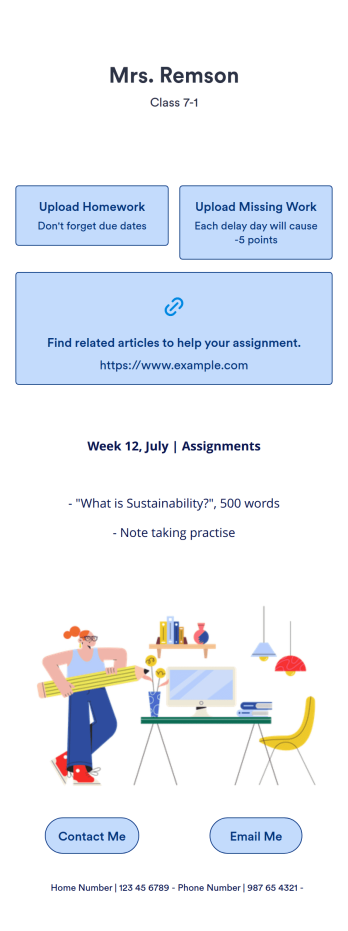
A homework management app is used by teachers to collect homework assignments from their students. Give your students an easier way to submit homework for your remote or in-person classroom with a free Homework Management App from Jotform. Students can upload documents through the app’s homework or missing assignment forms, which you can view easily on any device from your secure online account.Need to make changes to this app template? Add or remove forms, update the app icon or background, include important information for your classroom, or add helpful links with no coding required. You can then copy and paste the app link to share your custom Homework Management App with your students, who can download it onto their computer, tablet, or smartphone to submit their homework instantly.
Go to Category:Classroom Management Apps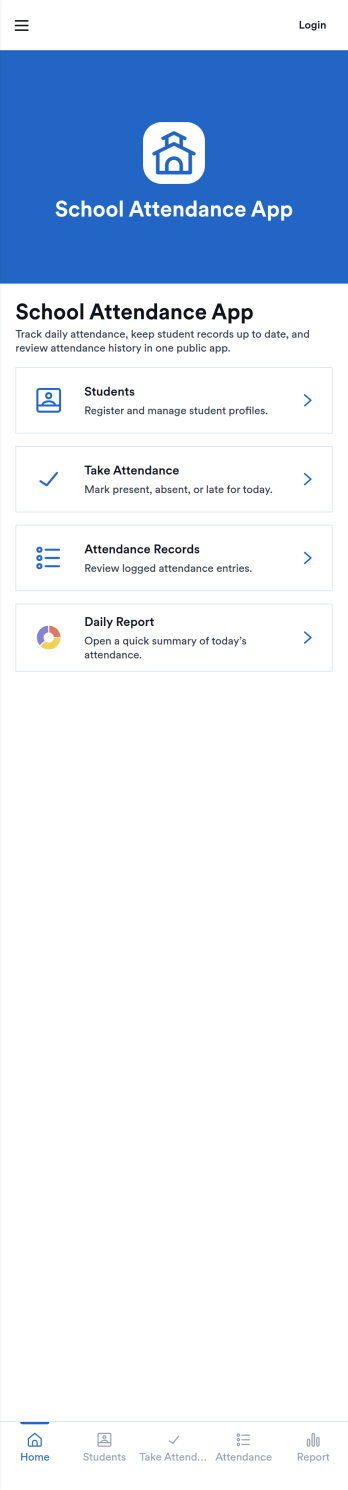
School Attendance App
School Attendance App helps schools take daily attendance, keep organized records, and follow up on absences without juggling paper rosters or scattered spreadsheets. Use it to quickly mark attendance, review individual student entries, and keep absence notes in one place, making it easier to spot patterns like frequent tardiness or repeat absences. It’s a practical fit for teachers, homeroom advisors, front offices, and school administrators who need a consistent routine for tracking presence across classes, dates, or student groups.Built with Jotform, this app template can be customized with a no-code app builder and a drag-and-drop interface so your team can match the layout to your attendance process. Connect it to forms for data collection, route updates through a simple workflow, and share a self-service link with staff who need access. As your needs change throughout the school year, you can update pages, add fields, and keep attendance information easy to find and manage from anywhere.
Go to Category:School Management Apps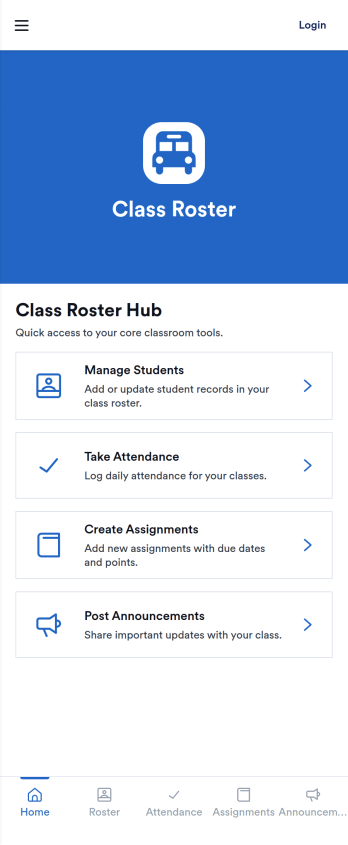
Class Roster App
Class Roster App helps teachers and academic staff keep a clear, up-to-date view of who is in each class and what is happening day to day. Use it to browse a student list, open individual student details, add new students as enrollment changes, and record attendance without jumping between scattered spreadsheets or paper notes. It’s a practical fit for K–12 classrooms, tutoring centers, after-school programs, and small training groups where rosters shift and quick access matters.With Jotform, you can turn this class roster app template into a mobile-friendly hub that supports self-service data collection and simple workflows. Customize pages with a drag-and-drop interface, connect buttons to forms for adding students or attendance, and keep records organized in one place. Share the app by link or QR code, collaborate with other instructors, and update the layout and branding anytime using Jotform’s no-code app builder.
Go to Category:Classroom Management Apps
Classroom Management App
A classroom management app is used by schools and educational institutions for recording students’ attendance and progress. This all-in-one Classroom Management App contains four useful forms: teachers can mark attendance with a Student Attendance Tracking Form, record student progress with a Student Progress Report Form, keep track of student evaluations with a Student Performance Evaluation Form, and report incidents with a School Incident Report Form.This app template can be easily customized to suit your school or classroom’s particular needs. Using our drag-and-drop interface, you can add or swap out form elements, change text, choose fonts and colors, upload images, and more — all without any coding. After you’re done, you can share your app with a link or embed it in an internal website for teachers to access and download on any device. Stay on top of your students’ progress and performance with this free Classroom Management App from Jotform.
Go to Category:Classroom Management Apps
Student Tracking App
A student tracking app brings key classroom details into one place so educators can keep up with who is enrolled, who is attending, and what progress notes have been recorded. This template organizes a student roster you can browse into individual student details, then connects that view to an attendance log and academic notes so patterns are easier to spot over time. It fits K–12 classrooms, tutoring centers, after-school programs, and small academic teams that need a simple way to stay consistent with recordkeeping without digging through scattered spreadsheets or paper binders.Jotform makes it easy to turn this Student Tracking App into a working, shareable experience using App Templates and a no-code app builder. With a drag-and-drop interface, you can adjust navigation, add or remove pages, and connect the app to forms and tables for ongoing data collection and workflow needs. Share the app as a self-service hub for staff, keep attendance entries organized, and maintain up-to-date student information as your program changes throughout the year.
Go to Category:School Management Apps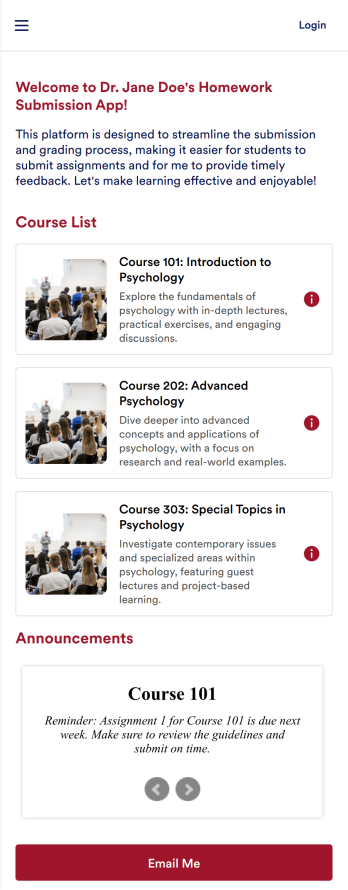
Customizable Homework Submission App
A homework submission app is a type of mobile application used by educators to collect student homework assignments. Build your own custom Homework Submission App with Jotform Apps. List your courses, add homework submission forms, set up automated responder emails, and streamline your own overall grading process.Customize the look and feel of your Homework Submission App by using our drag-and-drop app builder. Add or remove forms, change your app’s color scheme and font, select a unique app icon, include helpful form elements, add our Card element to organize your app, and so much more. Once you’re satisfied with your app, simply share it with your students to start collecting homework assignments on any device.
Go to Category:Classroom Management Apps