-
 batesmelanie63
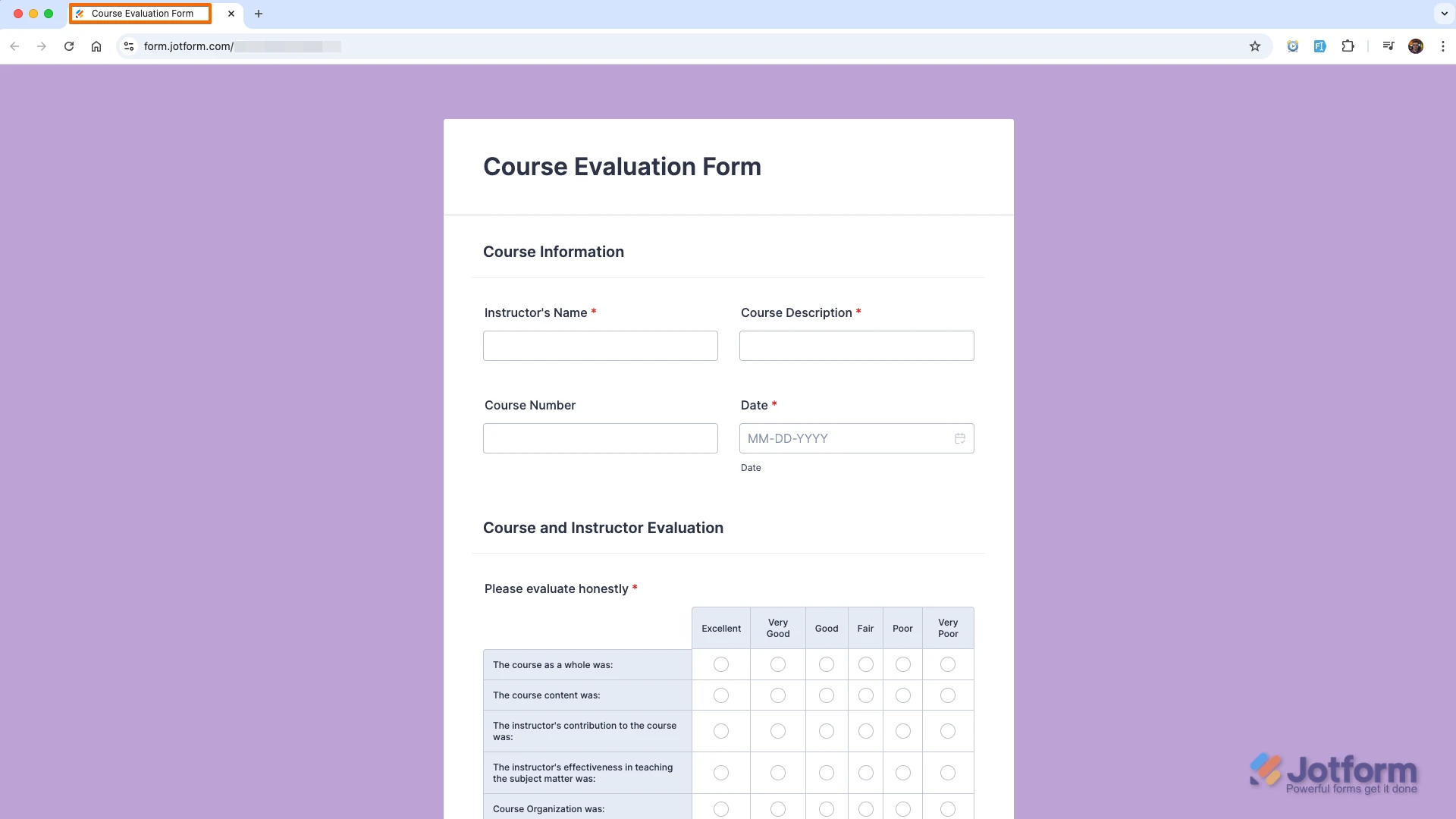
My form link https://form.jotform.com/261544069609564 says Triumph Travel and should be Relax Travel
Page URL: https://form.jotform.com/261544069609564 -
 Kris JotForm Support
Hi Melanie,
Thanks for reaching out to Jotform Support. The form still carries its old title. You just need to update the Page Title option. It's easy to change the text that appears on the browser tab. We'll just edit the Page Title in Form Builder. Let me show you how:
- In Form Builder, in the orange navigation bar at the top of the page, click on Settings.
- Now, click on Show More Options to expand the Form Settings.
- Scroll down and enter the title to be displayed on pages in the Page Title section.
 Reach out again if you have any other questions.
 -
batesmelanie63
Thank you so much.
 Reach out again if you have any other questions.
Your Reply
Something Went Wrong
An error occurred while generating the AI response. Please try again!