-
DDiana Rusca
I CANNOT ENTER TO MY APPLICATION LINK FOR U-GO SCHOLARSHIP, PLEASE HELP. THANKYOU.
 Page URL: https://form.jotform.com/261261808225454
 -
 Podo: Support Specialist
Hi Diana,
Thanks for reaching out to Jotform Support. I'm an AI assistant here to assist you.
I understand you cannot open your U-GO Scholarship application link. This usually happens if the form owner set the form to Private or to invited users only. If you are the owner of the application form, you can change its access so applicants (or you, if you are trying to reopen it) can enter without issues.
Let me show you how to make your form accessible to anyone with the link:
- In Form Builder, in the orange navigation bar at the top of the page, click on Publish.
- Click on Private Form next to Share With Link, and then select Public Form in the window that opens.
If you are an applicant (not the form owner) and the link still does not open, please share a short description of what you see (for example: error message, blank page, or login request), and if possible, the exact link, so we can better understand the issue.
Give it a try and let us know how it goes.
-
 Otto JotForm Support
Hi Diana,
I recalculated your account usage and see that your upload usage is still above your upload limit. I suggest permanently deleting submissions with attachments to reduce your upload usage. Let me show you how:
- In Tables, select the submissions to delete.
- Next, click on the Delete button at the upper right.
- On the pop-up window, click on the Move To Trash button to confirm deleting the submissions.
The deleted submission will remain in the Trashed Entries folder for 30 days before it gets purged. Unless the submissions are purged, they will still count towards your form usage. Let's continue on how to purge them:
- In your submission tables, click on the 3 vertical dots on the right of the table tab.
- Select the Trashed Entries.
- Then, select the deleted entries
- Click on the Delete Forever button.
We also have guides on How to Delete Form Submission Data and Understanding Your Account Usage and Limits that you can check out. You may also consider Upgrading Your Account to increase your limits immediately.
Let us know if you need any help.
-
Jjambarojoyalmarie
I already purge my draft, is there a possibility to restore all the data i have upload?
If not how can i re-upload if the page is over quota even if my storage i all clear
-
 Kim Enterprise Support
Hi Diana,
Purged submissions can no longer be restored. If you need a copy of the submissions before deleting and purging it to free up your Upload space limits, you may download it first. You can easily download your data from Jotform Tables as a CSV, Excel, or PDF file. Let me show you how:
- On your Workspace page, click on the form with the data you want to download, and click on Submissions on the top-left side of the page.
- In Tables that opens, in the upper-right side of the page, click on Download All.
- Now, select Download as CSV, Excel, or PDF to download your data.
-
 reannesj19
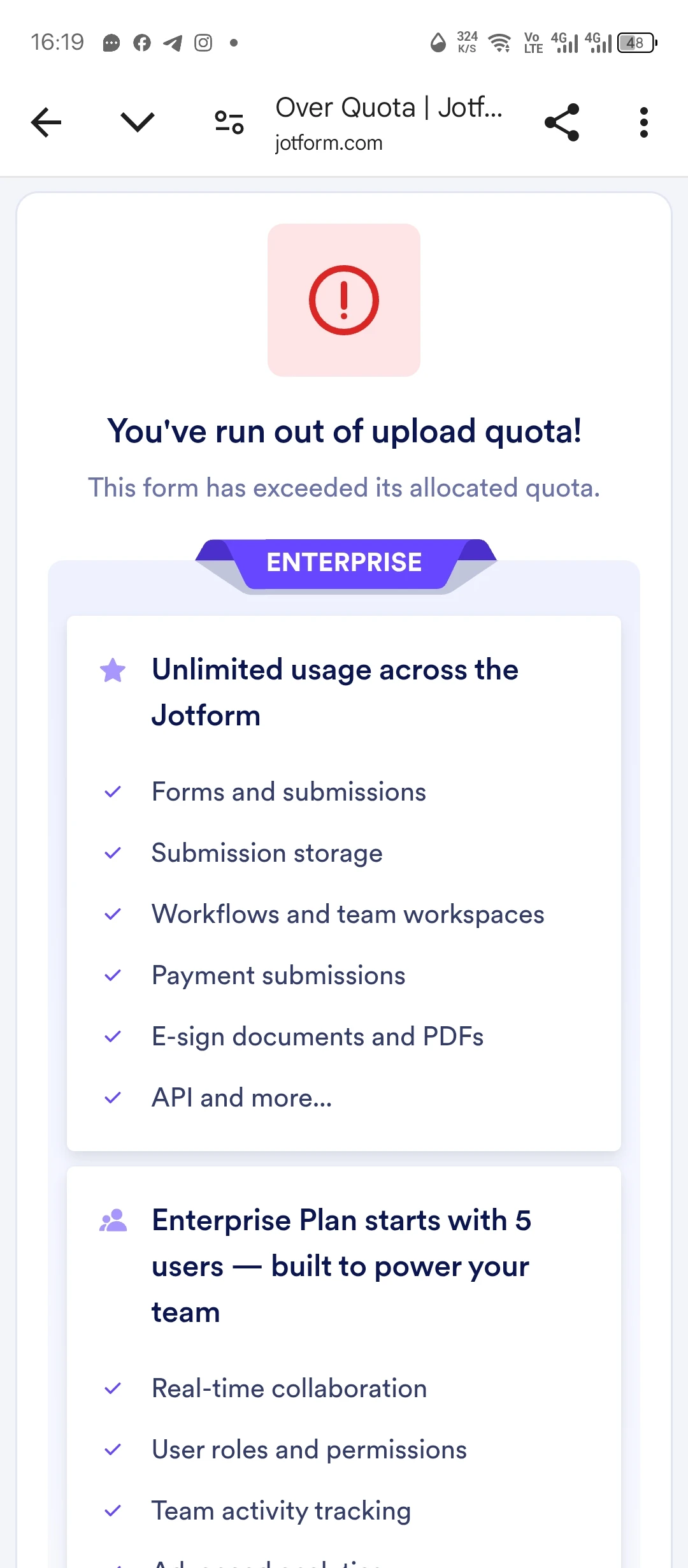
Good morning, I can't enter my U-GO Scholarship application, it keeps saying "You've run out of upload quota". I haven't saved my draft, or any data, and I have never signed in till now.
Hopefully this can be fixed immediately, thank you.
-
 Kris JotForm Support
Hi Reanne,
I checked the form that was shared on this support ticket, and the Jotform account of the owner reached a limit in collecting submissions. This is why you can't access the form. What you need to do is contact the form owner or the person in charge and let them know about this.
Jotform provides forms and other tools to owners. But we're not in control of the services they offer and the collection of their users' data.
Reach out to us if you need any more help.
Your Reply
Something Went Wrong
An error occurred while generating the AI response. Please try again!