
Restaurant Customer Feedback App gives restaurants a simple, guest-friendly place to collect comments right after a meal and learn what to improve next. Guests can tap Leave Feedback to share their experience, while staff can Browse Reviews to see recent entries and open a detailed review from the list. This works well for quick post-visit feedback, tracking recurring issues by shift or day, and capturing compliments you can share with the team.
Jotform makes it easy to turn this idea into a polished, shareable experience using App Templates and a no-code app builder with a drag-and-drop interface. Connect your app to forms for data collection, keep feedback organized, and route insights into your workflow without extra tools. Publish a link or QR code so guests can use self-service feedback on their phones, and update pages, branding, and navigation as your restaurant grows.
Related templates
Food Delivery App
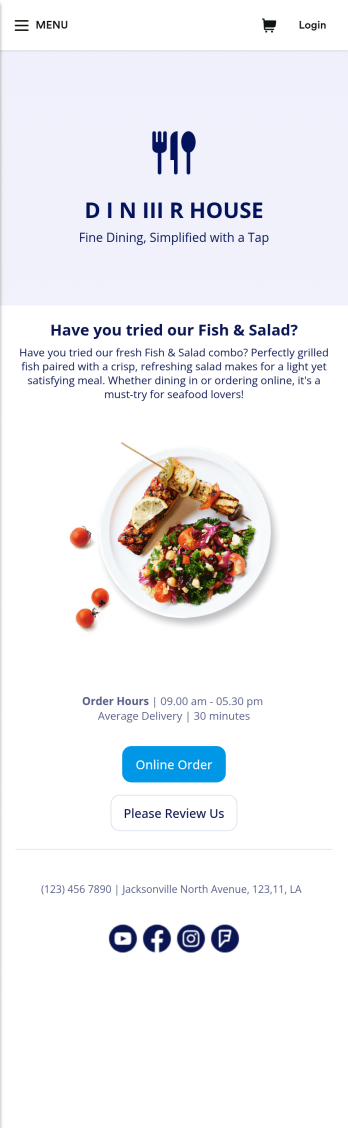
A food delivery app is used by food delivery services to communicate with customers, and drivers, while also providing an enhanced customer experience. This template is ideal for restaurants, food trucks, or anyone who may deliver the food ordered by their customers. Wondering how to sell food deliveries online? Whether you've got a restaurant, diner, or small cafe, our Food Delivery App is the perfect way to take online delivery orders and payments. This app template comes readymade with a product list where customers can view your menu and input their delivery address and payment information. You can even showcase signature and seasonal dishes, run promotional campaigns, and gather feedback. Customers can open and download your app on any smartphone, tablet, or computer.Want to make this Food Delivery App your own? Our drag-and-drop interface allows you to add forms, change fonts and colors, upload your logo and thumbnail images for menu items, and completely customize the look of your app icon — with no coding necessary. After that, simply share the link on your website or social media and you’re off and running. Start taking online delivery orders today to sell food deliveries online with this free Food Delivery App!Please refer to our article for further tips on creating a food ordering and delivery app.
Go to Category:Delivery Apps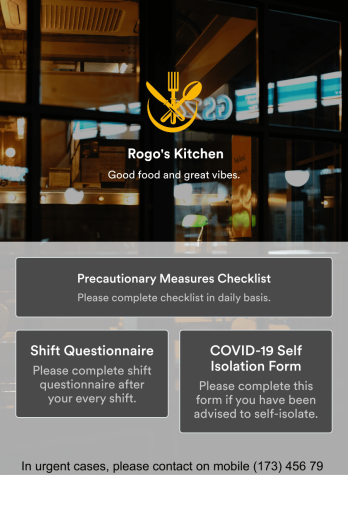
Restaurant Employee Screening App
A restaurant employee screening app is used by restaurant managers to screen employees for COVID-19 before shifts. With Jotform’s Restaurant Employee Screening App — which includes a COVID-19 Self Isolation Form, Staff Shift Questionnaire, and Precautionary Measures Checklist — you can collect all the information and e-signatures you need to ensure a safe environment for both your employees and your customers.Need to make changes to this free app? Add or remove forms, include your branding, and personalize other design elements to make this app work better for you. Employees can then download your app onto any device in a few quick clicks! All form responses are stored securely in your Jotform account and can be protected with HIPAA friendly features. Ditch messy paper forms and get organized with this Restaurant Employee Screening App.
Go to Category:Healthcare Apps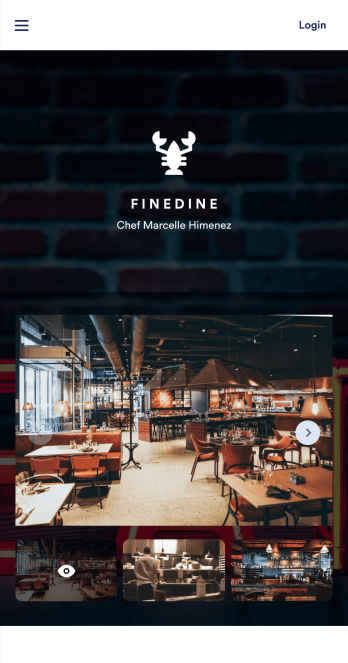
Table Booking App
A table booking app is a great way to build a micro-website for your restaurant. This free and mobile-ready app template allows diners to make table reservations days ahead of time, view photos of the dining area and menu items, and contact your restaurant via email or phone. You can also create additional pages and add them to your app’s topbar with the click of a button. Reservations are instantly stored and synced to your secure Jotform account, and can be accessed by restaurant staff from any device.Making changes to this Table Booking App template is a cinch with Jotform’s intuitive no-code app builder. Simply drag and drop to customize your table reservation page, upload images of your restaurant and entrées to the main page image carousel, add social media widgets, choose fonts and colors, and add your own branding with just a few clicks. Embed a link to your app in your website or share it on social media — diners can then make table reservations from their favorite device. Create a fully customizable mobile-ready app for your restaurant in minutes with this Table Booking App from Jotform.
Go to Category:Booking Apps
Restaurant Menu App
Need to know how to sell restaurant food online? A restaurant menu app is used by restaurants, cafes, and diners for managing table reservations and taking food and drink orders. This Restaurant Menu App contains three forms which allow customers to reserve tables and order from separate food and drink menus. Customers can place orders before they get to the restaurant, or specify orders for pick-up or delivery. Submissions are instantly synced to your Jotform account, which you and your staff can access from any device.Customize this app template to match your restaurant’s branding using Jotform’s no-code form builder. Just drag and drop to add or change form elements, choose fonts and colors, upload your logo, create a custom app icon, and more. You can also include thumbnail images for menu items and showcase popular dishes on your app’s splash screen. After you’re done, simply share a link on your website or social media, and customers can access and download your app on any smartphone, tablet, desktop. Manage reservations and sell restaurant food online from one convenient app with this Restaurant Menu App.
Go to Category:Food & Beverage Apps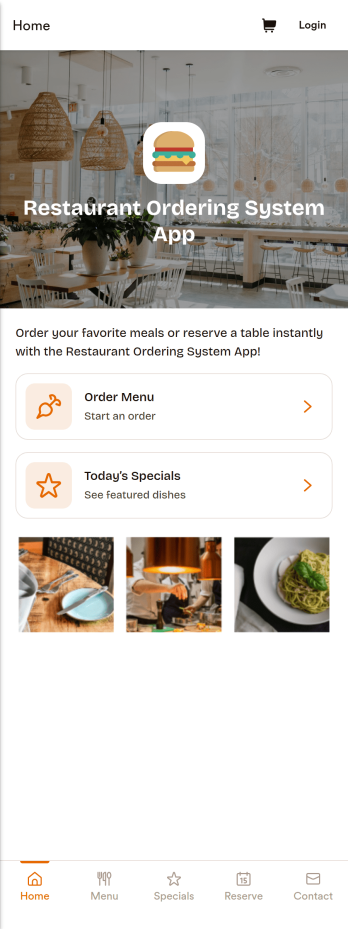
Restaurant Ordering System App
A restaurant ordering system app gives guests a simple way to browse your menu, check today’s specials, and place orders from one central, mobile-friendly experience. This template works well for dine-in, takeout, and limited delivery operations that want to reduce phone congestion and help customers order with fewer questions. Use it to guide guests to key ordering pages, highlight featured items with visuals, and offer a quick call option for customers who still prefer speaking with your team.With Jotform, you can turn this app template into a branded ordering flow using a no-code app builder and a drag-and-drop interface that’s easy to maintain as your menu changes. Connect your ordering and request forms to support data collection, route details to the right staff with workflow automation, and keep the experience consistent across devices so customers can self-service from a link or QR code.
Go to Category:Restaurant Management Apps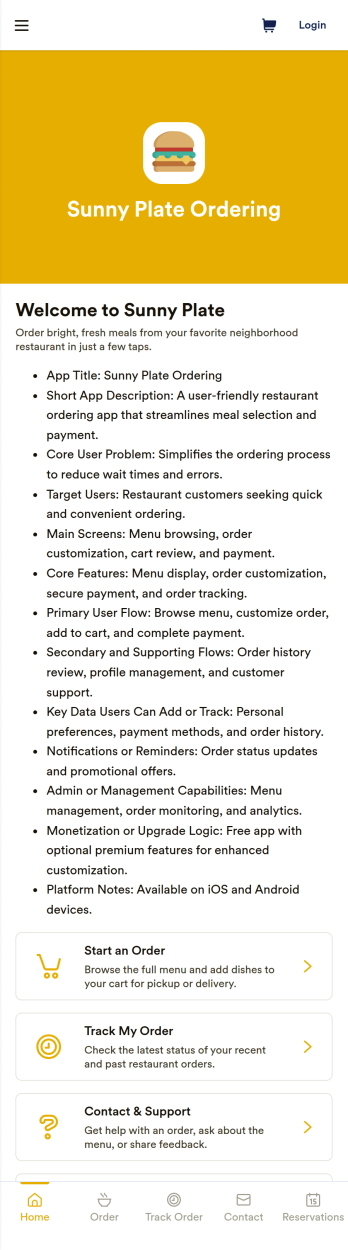
Restaurant Ordering App
Restaurant Ordering App helps restaurants, cafés, and food counters present a mobile-friendly menu and guide customers from browsing to placing an order in one place. Use it to spotlight popular picks like lunch combos and chef specials, give guests a clear product list to choose from, and reduce confusion during busy service. It’s a practical fit for dine-in QR ordering, takeout counters, small chains, pop-ups, and campus dining where speed and clarity matter.With Jotform, you can build and publish polished App Templates using a no-code app builder and a drag-and-drop interface. Connect your app to forms and tables to support data collection, keep orders organized, and give teams an easy self-service view of activity like recent orders, order history, and messages. Update items, pages, and navigation anytime, then share the app by link or QR code so customers and staff can access it from anywhere.
Go to Category:Restaurant Apps